
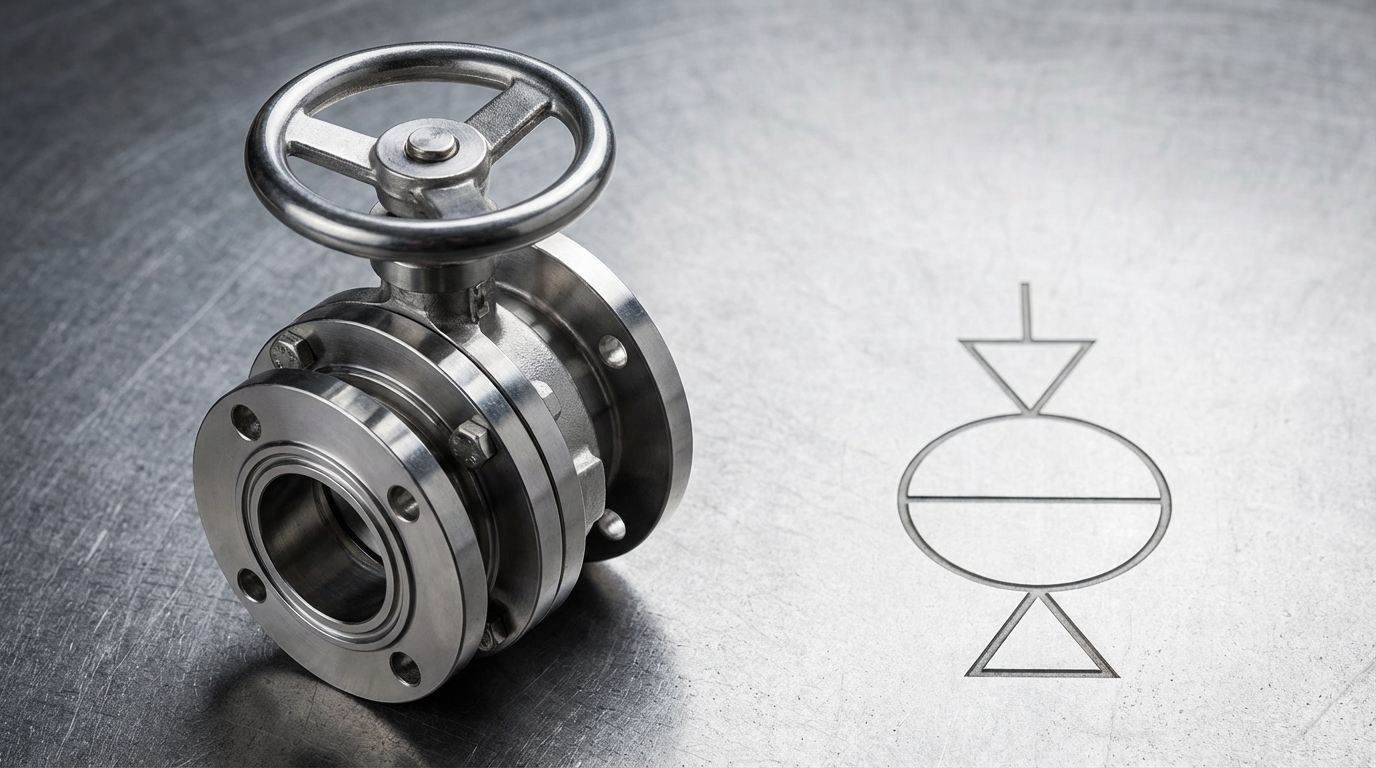
You are staring at a complex P&ID trying to identify a specific isolation point, but the crowded icons make it nearly impossible to distinguish between a ball and a butterfly valve. This confusion often leads to procurement errors or, worse, installation hazards in high-flow pipelines. Mastering the standard symbol butterfly valve provides you with the technical clarity needed to design and maintain systems with 100% accuracy.
The butterfly valve symbol in a P&ID is a standardized graphical icon, typically a circle with a diagonal or vertical line through the center, used to represent the quarter-turn rotating disc mechanism.
What is the standard symbol butterfly valve in P&ID?
Identifying the symbol butterfly valve requires you to recognize a circle with a diagonal line representing the internal disc. This standard format ensures that any engineer can immediately pinpoint the valve type without reading long text labels.
Core Visual Elements of the Symbol
You will see the circular body as the foundation of the icon in most modern diagrams. The diagonal line is the most critical part as it indicates the rotational axis.
Look:
- Circular outer ring
- Diagonal bisecting line
- Standard pipeline connection points
Why Geometric Accuracy Matters
Precise drawing of the symbol butterfly valve prevents you from confusing it with a plug valve. Clear lines help you verify the flow path during complex system audits.
Key Takeaway: The primary visual identifier for this valve is the bisecting line within a circle, representing the rotating disc mechanism.
| Element | Description | Function |
|---|---|---|
| Circle | Valve Housing | Structural Boundary |
| Diagonal Line | Internal Disc | Flow Control Axis |
| T-Lines | End Connections | Piping Interface |
Following this basic identification, you must compare it with other similar icons to avoid design errors.
How does the symbol butterfly valve differ from others?
The symbol butterfly valve stands apart from globe or ball valves due to its unique diagonal orientation indicating a thin disc. While a globe valve uses a solid dot to show a plug, the butterfly icon emphasizes the quarter-turn rotation.
Butterfly vs. Globe Valve Distinctions
You can quickly tell these apart by looking at the center of the circle. While the butterfly version has a line, the globe valve usually features a solid or shaded inner circle.
But here is the kicker:
- Butterfly: Diagonal disc line
- Globe: Central plug/dot icon
- Application: Butterfly is for isolation; Globe is for throttling
Butterfly vs. Check Valve Indicators
You must look for flow direction arrows to distinguish check valves from a symbol butterfly valve. Check valves focus on one-way flow, whereas the butterfly icon represents 360-degree rotational control.
Key Takeaway: Distinguishing these symbols relies on identifying whether the internal element is a rotating line (butterfly) or a fixed plug/arrow.
| Valve Type | Core Symbol | Visual Driver |
|---|---|---|
| Butterfly | Circle w/ Diagonal | Disc Rotation |
| Globe | Circle w/ Dot | Throttling Plug |
| Check | Circle w/ Arrow | Directional Safety |
Once you can differentiate these types, you should examine how manual operations are noted.
What are manual symbol butterfly valve variations?
A manual symbol butterfly valve is often paired with a handwheel or lever icon to show human operation. This ensures you know that no external power source is required to actuate the disc.
Recognizing Handwheel Attachments
You will notice a small “T” shape or a wheel icon sitting atop the standard valve circle. This identifies a manual operator who must physically turn the valve to change the process flow.
Think about it:
- “T” stem for levers
- Oval for handwheels
- “MAN” label for clarity
Leveraging Gear Operator Icons
For larger diameters, you might see a square box added to the symbol butterfly valve. This indicates a gear operator is necessary to handle the high torque of the internal disc.
Key Takeaway: Manual variations add stems or handwheels to the base icon to signify local, human-powered operation.
| Operator | Symbol Add-on | Usage |
|---|---|---|
| Lever | Vertical Stem (T) | Small Diameter |
| Handwheel | Oval/Circle Top | Mid-size valves |
| Gear Box | Square/Rectangular Box | High Torque needs |
Moving beyond manual control, automation introduces a new set of graphical markers.
How is an automated symbol butterfly valve represented?
The symbol butterfly valve undergoes significant changes when actuators like pneumatic or electric motors are integrated. You will see these represented as boxes or domes directly connected to the valve stem.
Identifying Pneumatic and Electric Actuators
You can identify a pneumatic actuator by a semi-circle or a box labeled with a “P” or “A”. Electric versions usually feature an “E” or “M” to denote a motor-driven system.
The best part?
- “P” for Pneumatic
- “E” for Electric
- “H” for Hydraulic
Decoding Fail-Safe Operation Labels
You must look for small arrows or text like “FC” (Fail Closed) next to the symbol butterfly valve. This tells you exactly what happens if your plant loses power or air pressure.
Key Takeaway: Actuators are shown as labeled boxes above the valve circle to define the power source and fail-safe logic.
| Actuator Type | Label | Failure Mode |
|---|---|---|
| Pneumatic | P / A | Fail Closed (FC) |
| Electric | E / M | Fail Last (FL) |
| Hydraulic | H | Fail Open (FO) |
The physical installation method also plays a role in how these icons appear on your diagrams.
What connection types affect the symbol butterfly valve?
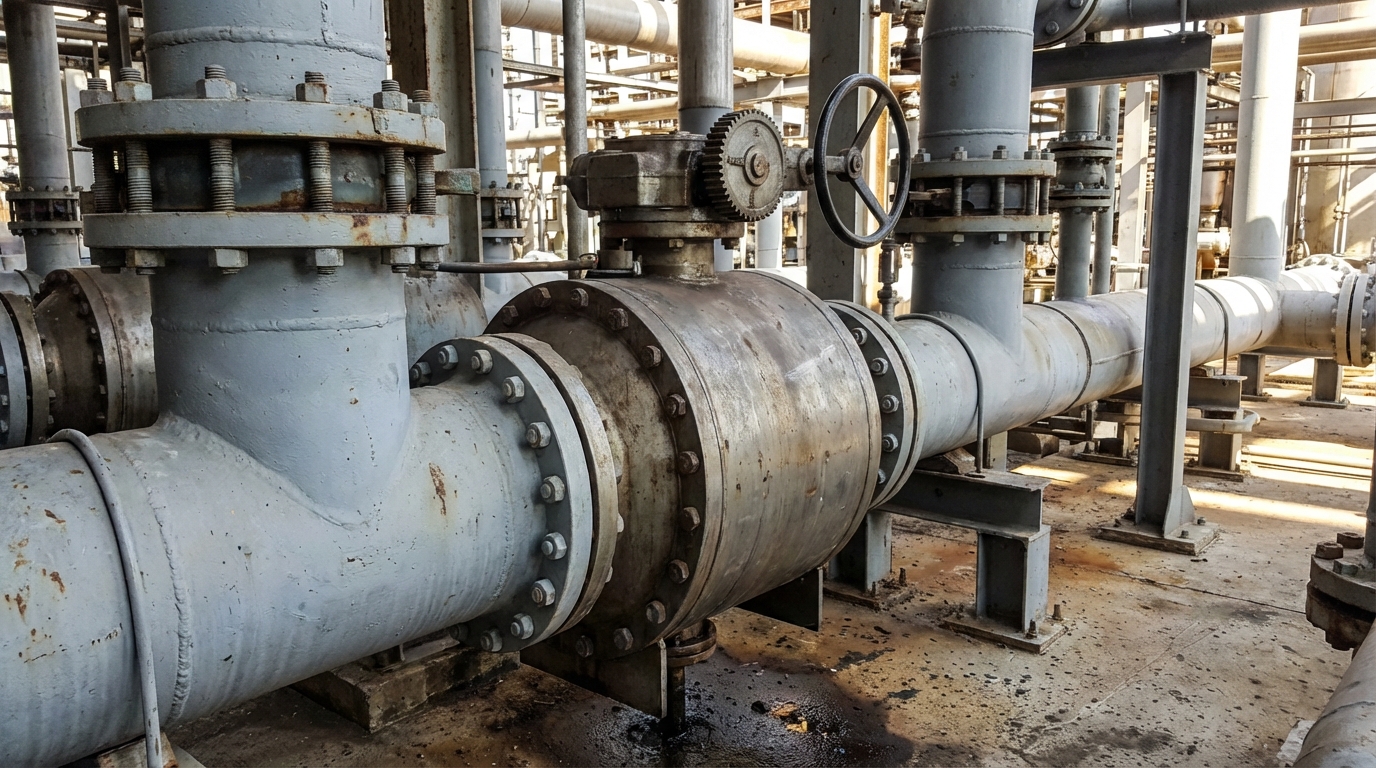
While the symbol butterfly valve core remains a circle, the lines connecting it to the pipe indicate the mounting style. You need to distinguish between wafer, lug, and flanged designs to ensure the correct hardware is ordered.
Differentiating Wafer and Lug Patterns
You will see wafer types drawn with the valve body sandwiched directly between pipe lines. Lug types may show small bolts or dots to indicate the valve is threaded into the flanges.
In fact:
- Wafer: No flange lines
- Lug: Threaded bolt indicators
- Selection: Wafer is lighter; Lug allows downstream removal
Representing Flanged and Welded Ends
A flanged symbol butterfly valve uses vertical lines at the pipe interface to show a bolted connection. Welded symbols use small solid triangles or squares to indicate a permanent, leak-proof bond.
Key Takeaway: Connection symbols like parallel lines or triangles define whether the valve is bolted, sandwiched, or welded into the line.
| Connection | Graphic Marker | Installation Feature |
|---|---|---|
| Wafer | Smooth interface | Lightweight/Compact |
| Lug | Drilled hole dots | End-of-line service |
| Flanged | Vertical end lines | High-pressure stability |
Understanding the connection is the first step; knowing the valve’s status is the second.
How do you read symbol butterfly valve orientations?
The symbol butterfly valve can tell you if the system is running or stopped just by the angle of the disc line. You can quickly audit a plant’s safety state by scanning these orientations across the P&ID.
Interpreting Normally Open vs. Closed States
You will find that a line parallel to the pipe signifies a “Normally Open” (NO) valve. Conversely, a perpendicular line indicates a “Normally Closed” (NC) state.
Believe it or not:
- Parallel = Open
- Perpendicular = Closed
- Shaded = Status Change
Understanding Flow Directional Indicators
While butterfly valves are often bidirectional, you might see a small arrow near the symbol butterfly valve. This indicates the preferred high-pressure side for optimal sealing performance.
Key Takeaway: Disc line orientation (parallel or perpendicular) is the standard method for indicating a valve’s normal operating position.
| Orientation | Meaning | Operational State |
|---|---|---|
| Parallel Line | Normally Open | Continuous Flow |
| Perpendicular | Normally Closed | Isolation/Safety |
| Angled Line | Throttling | Modulating Flow |
Correct orientation reading is crucial for maintaining safety during high-risk operations.
Why is the symbol butterfly valve vital for safety?
Using the correct symbol butterfly valve prevents you from making fatal errors during emergency shutdowns. If an operator misidentifies a slow-closing butterfly for a fast-acting ball valve, surge pressures could rupture your pipes.
Preventing Critical Installation Hazards
You ensure that maintenance teams know exactly which tools to bring based on the symbol. A lug-style icon tells you that the valve can safely hold pressure from one side during repairs.
What’s more:
- Clearer lockout procedures
- Accurate pressure ratings
- Reduced human error
Streamlining Emergency Response Protocols
In a crisis, you need to find the symbol butterfly valve isolation points instantly. Standardized icons allow your team to act without hesitating or questioning the diagram’s accuracy.
Key Takeaway: Standard symbols facilitate rapid identification during emergencies and ensure maintenance safety through accurate connection data.
| Safety Benefit | Detail | Result |
|---|---|---|
| Identification | Fast recognition | Rapid Response |
| Integrity | Correct valve type | Leak Prevention |
| Compliance | ISO/ISA adherence | Legal Protection |
The versatility of these valves makes them common across many different industrial sectors.
Where is the symbol butterfly valve used in industry?
You will find the symbol butterfly valve throughout water treatment plants and large-scale cooling systems. Their ability to handle high volumes with low pressure drop makes them indispensable in modern infrastructure.
Water Treatment and HVAC Applications
You often see these symbols in large-diameter municipal water lines. In HVAC systems, they manage the flow of chilled water to maintain building temperatures efficiently.
Check this out:
- Cooling towers
- Desalination plants
- Potable water distribution
Oil, Gas, and Chemical Processing Needs
In heavy industry, the symbol butterfly valve represents high-performance isolation for non-corrosive fluids. You rely on them for tank farm isolation and large-scale vapor recovery units.
Key Takeaway: These valves are preferred for high-flow, low-pressure applications across water, HVAC, and chemical processing industries.
| Industry | Specific Use Case | Key Value |
|---|---|---|
| Municipal | Water mains | Large diameter flow |
| HVAC | Chiller loops | Temperature control |
| Chemical | Tank isolation | Rapid shut-off |
To ensure these systems are documented correctly, you must follow specific drafting guidelines.
What are drafting tips for the symbol butterfly valve?
When you draft a symbol butterfly valve, consistency is your best friend for avoiding future confusion. You should always use a CAD library that conforms to recognized international standards like ISA S5.1.
Adhering to Global ISA and ISO Standards
You must choose one standard and stick to it throughout the entire project. Mixing ISO and ISA symbols for a symbol butterfly valve will confuse your contractors and increase costs.
Better yet:
- Use standard line weights
- Label every actuator clearly
- Verify symbols with vendors
Maintaining Consistent Legend References
You should always include a comprehensive legend on the first page of your P&ID set. This “decoder ring” ensures that everyone understands your specific symbol butterfly valve variations.
Key Takeaway: Professional drafting requires strict adherence to one standard (ISA or ISO) and a clear, detailed legend on the lead sheet.
| Drafting Tip | Action | Benefit |
|---|---|---|
| Standardization | Follow ISA S5.1 | Global Clarity |
| Legend Usage | Define all icons | Error Reduction |
| Scaling | Keep icons uniform | Visual Balance |
Even with perfect drafting, you may still encounter errors that require systematic troubleshooting.
How do you troubleshoot symbol butterfly valve errors?
If you find a discrepancy between the field and the P&ID, you must investigate the symbol butterfly valve tagging first. Often, a valve is replaced with a different model without updating the master documentation.
Correcting Common Diagram Misinterpretations
You might find that a wafer valve was installed where a lug symbol butterfly valve was specified. This mistake can lead to safety violations if you try to perform end-of-line maintenance.
Make no mistake:
- Check the tag number
- Verify the connection style
- Confirm the actuator type
Aligning P&IDs with Physical Inventory
You should perform “walk-downs” where you physically check the symbol butterfly valve against the drawing. This keeps your documentation “as-built” and reliable for the operations team.
Key Takeaway: Troubleshooting involves verifying that physical valve tags and connection types match the graphical symbols on the P&ID.
| Error Type | Detection Method | Solution |
|---|---|---|
| Model Mismatch | Visual Walk-down | Update Drawing |
| Actuator Error | Signal testing | Relabel P&ID |
| Wrong Orientation | Flow check | Correct Icon Angle |
Ensuring your diagrams are accurate is the final step in achieving professional-grade engineering.
Conclusion
Understanding the symbol butterfly valve is essential for any professional involved in piping design, maintenance, or operations. By mastering the nuances of actuation, connection, and orientation symbols, you eliminate ambiguity and enhance the safety of your high-flow systems. At RuitoFlow, we are dedicated to providing the technical expertise and high-performance valves needed to make your projects successful. If you are ready to optimize your pipeline documentation with precision-engineered solutions, contact us today.
Problem Solved: You can now confidently identify, draft, and troubleshoot butterfly valve symbols, ensuring project accuracy and operational safety.
Frequently Asked Questions
Can I use the same symbol for all butterfly valves?
No, you must modify the symbol based on the actuator (pneumatic, electric) and connection type (wafer, lug) used.
What is the best way to show a fail-safe position?
The best way is to use “FC” (Fail Closed) or “FO” (Fail Open) text labels adjacent to the actuator icon.
Can I omit the actuator symbol for manual valves?
Yes, though adding a small handwheel or lever “T” icon provides better clarity for the field operators.
What is the most common mistake in valve drafting?
The most common mistake is mixing ISA and ISO standards within the same drawing set, leading to icon confusion.
Can I use color to show valve status?
Yes, many digital systems use black/solid for closed and white/unfilled for open, but always define this in your legend.