
Read a butterfly valve gearbox diagram by tracing the handwheel input through the reduction mechanism to the valve shaft and disc. Identify the drawing type and component legend before interpreting arrows, ratios or stops. A functional sketch explains relationships while dimensioned assembly details establish physical fit.
A training sketch may show a wheel and a valve shaft with one arrow each, leaving a buyer to assume they turn through the same angle. Another reader may treat a cutaway as an approved assembly drawing. Establish what the diagram actually describes before using it for a parts enquiry, operator comparison or technical review.
1. What does a butterfly valve gearbox diagram show?
A butterfly valve gearbox diagram can show component relationships, an external arrangement or a section through the mechanism. Its title, legend and drawing status identify which purpose applies. A conceptual diagram may omit dimensions, hidden parts or retention details that a controlled manufacturing or assembly document must define separately.
How should you classify the image before reading it?
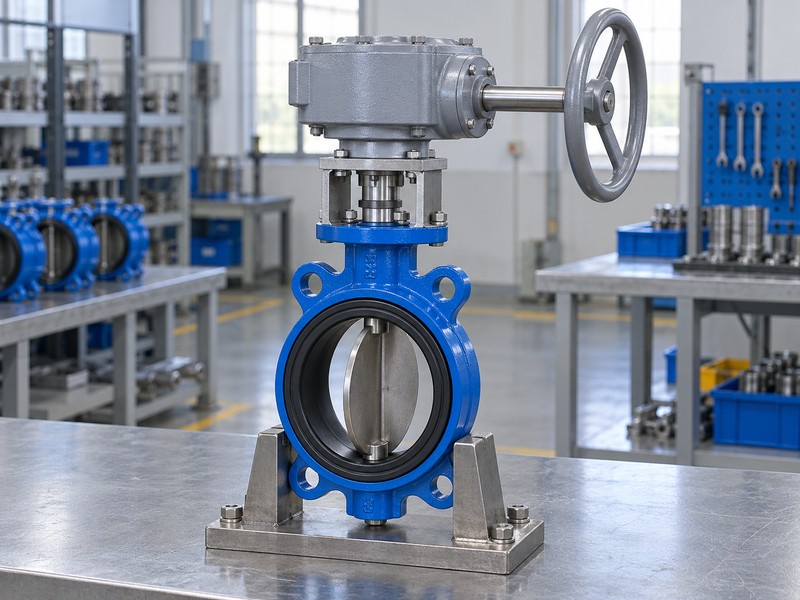
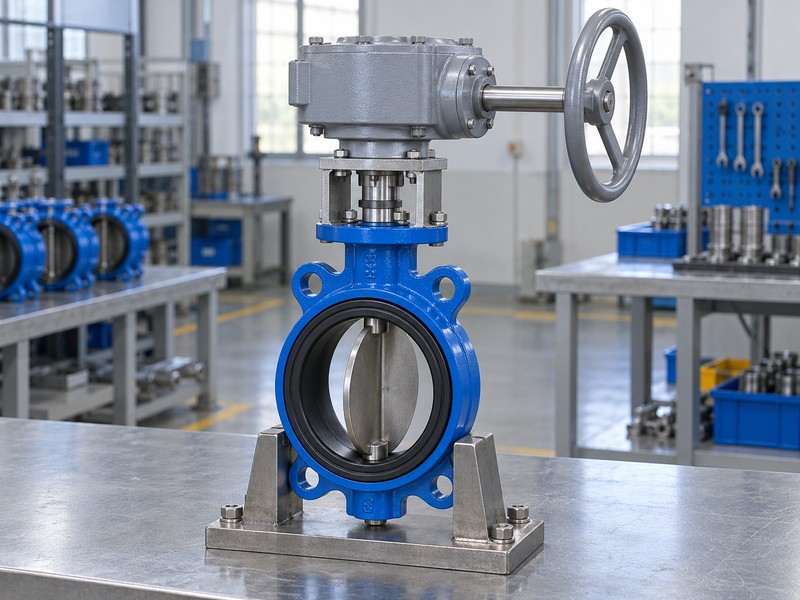
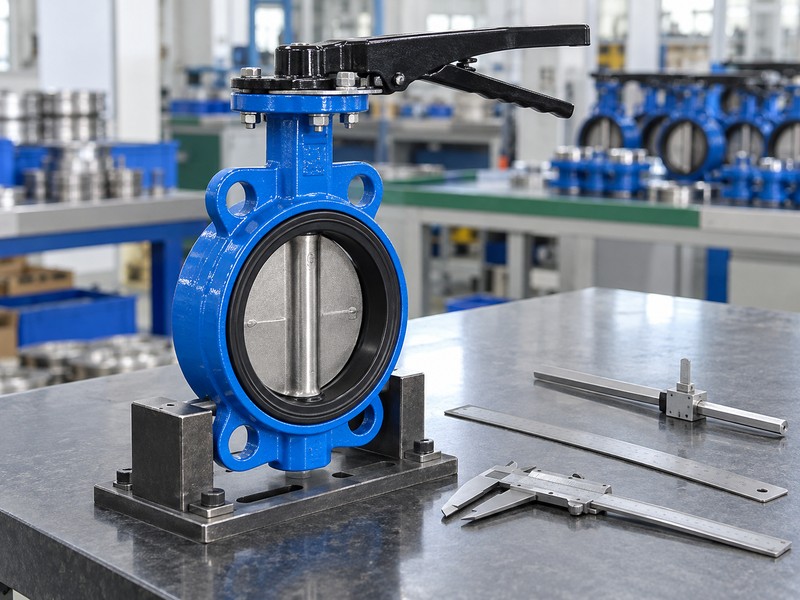
Read its purpose line. Distinguish a functional sketch, an illustrated parts view, a section and a dimensioned general arrangement rather than treating every technical-looking image as equivalent. The photographs in this article support external identification and operating concepts; they are generated illustrations, with no measured dimensions or verified internal construction. Request the selected operator documents when your task requires actual fit, materials or component identity.
- Identify the drawing type and intended purpose.
- Read its legend, status and assembly references.
- Use the correct document for fit or parts decisions.
Key takeaway: Choose the document type that answers your question before interpreting its detail.
| Check | What you should confirm |
|---|---|
| Functional | Explains how components or motion relate |
| Parts view | Links illustrated items to a defined list |
| Dimensioned | Supplies the specified physical references for review |
2. What legend fits a butterfly valve gearbox diagram?
The legend on a butterfly valve gearbox diagram defines its symbols, item numbers, abbreviations and viewing conventions. An arrow can mean shaft rotation, permitted movement or another stated relationship. Its meaning comes from the drawing definition, so avoid assigning a rotation direction or component function from shape alone.
Which labels deserve a separate reading?
Match labels with their references. Follow item numbers into the associated parts list and identify whether a dashed feature represents a hidden edge, an alternative position or another drawing convention. Keep any torque abbreviation with its units and application point. An undefined MOT label remains a question for the supplier rather than a value you can safely compare across unrelated operator drawings.
- Read arrows and line types through the drawing legend.
- Match item numbers with the corresponding parts list.
- Request definitions for unexplained abbreviations and values.
Key takeaway: Interpret the legend before converting graphic marks into operating or purchasing assumptions.
| Check | What you should confirm |
|---|---|
| Symbols | Legend defines the intended meaning |
| Items | Numbers map to the correct component list |
| Values | Units and application points accompany abbreviations |
3. What axes belong on a butterfly valve gearbox diagram?
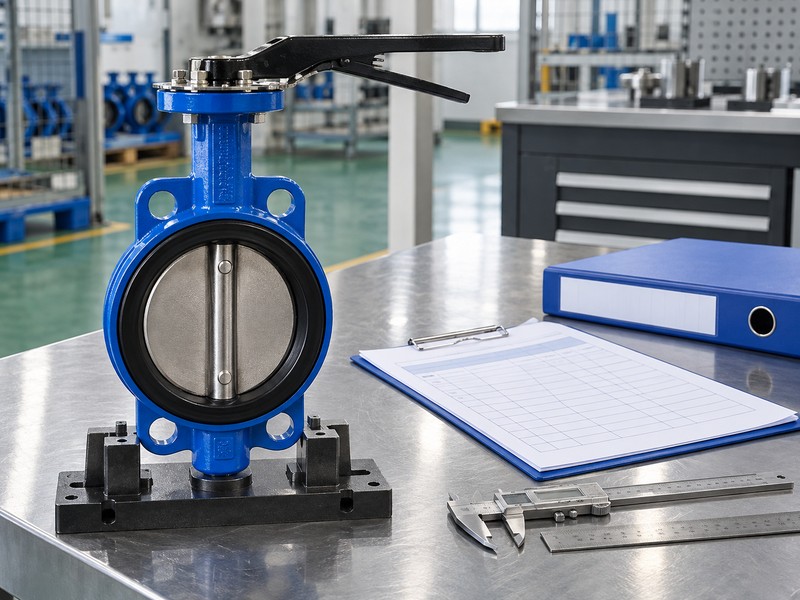
A butterfly valve gearbox diagram should distinguish the input axis from the output axis and identify the viewer direction for rotation arrows. In a common right-angle worm arrangement, a side input drives a separate output aligned with the valve shaft. Other arrangements need their own axis definition instead of inheriting that layout.
How can the exterior help you follow the axes?
Locate the physical interfaces. The handwheel hub identifies one external input connection, while the coupling or output socket identifies the drive toward the valve stem. Follow each axis through the selected drawing and retain its observer direction when reading clockwise or counterclockwise notes. A change of mounting orientation or input reducer can alter the visible arrangement, so compare the actual installed configuration.
- Locate input and valve output independently.
- Retain the stated observer direction for rotation.
- Check orientation changes against the selected arrangement.
Key takeaway: Keep input, output and observer direction explicit when discussing diagram rotation.
| Check | What you should confirm |
|---|---|
| Input | Axis enters the identified reduction mechanism |
| Output | Axis follows the selected valve drive connection |
| View | Rotation notes have a stated observer direction |
4. What path crosses a butterfly valve gearbox diagram?
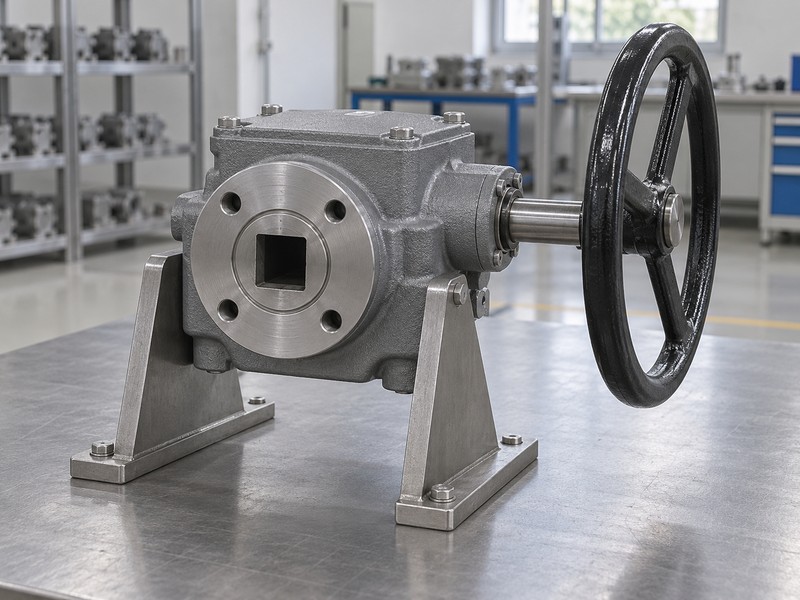
Trace a butterfly valve gearbox diagram from the handwheel or other stated input to each reduction stage, then through the output connection into the valve shaft. A common manual worm operator uses a worm to drive a wheel or sector arrangement. The exact mechanism, supports and retention must come from the identified operator documents.
What should a functional explanation leave visible?
Follow the load-carrying sequence. Name the input, reduction and output rather than skipping directly from the wheel to the disc. Include any separately fitted reducer, coupling or extension when it changes the assembled path. A simplified explanation can omit bearing details for clarity, but it should state that omission; an exterior photograph cannot verify which gears or bearing arrangement sit inside its closed housing.
- Trace every installed input and reduction stage.
- Include couplings and extensions in the assembled path.
- Separate visible exterior features from hidden mechanism claims.
Key takeaway: Use the diagram to describe a complete functional sequence within its stated scope.
| Check | What you should confirm |
|---|---|
| Sequence | Input, reduction and output are identified |
| Assembly | Extra stages and drive connections are included |
| Scope | Omitted internal detail remains an explicit limitation |
5. What ratio means on a butterfly valve gearbox diagram?
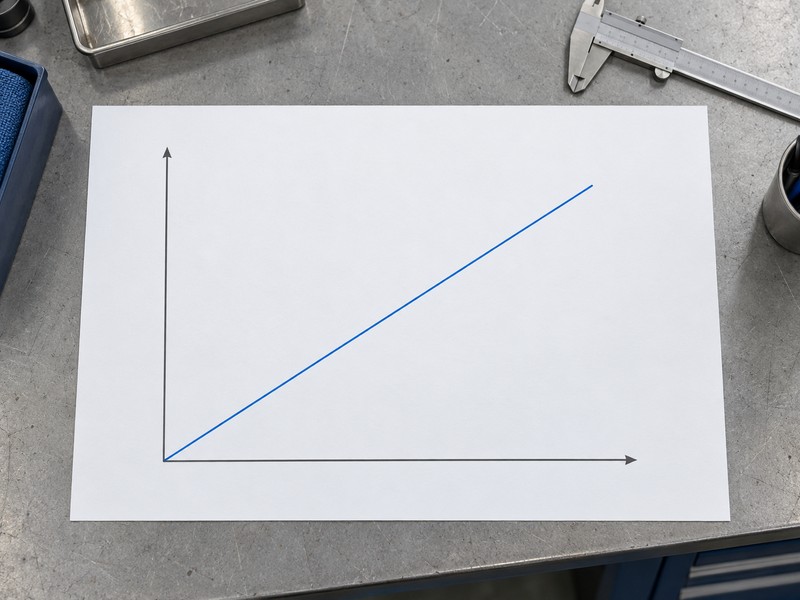
A ratio on a butterfly valve gearbox diagram needs its input and output quantities defined before calculation. For an ideal input-to-output angular ratio i, handwheel turns equal i multiplied by output angle in degrees divided by 360. This distinguishes the turns for one full output revolution from the turns for a quarter-turn output.
How should the straight-line chart be read?
Keep motion separate from capacity. The chart places input turns horizontally and shaft angle vertically, with a straight line for an ideal fixed ratio. It contains no measured turn count, efficiency, torque or backlash data. Use the selected complete operator schedule for actual turns and permitted endpoints, including extra stages and any rounded published values, before using a diagram note as an acceptance criterion.
- Read the ratio definition and all reduction stages.
- Distinguish full-revolution and quarter-turn output travel.
- Use selected data for actual turns and accepted endpoints.
Key takeaway: Use the ratio as a defined kinematic relationship and obtain real operating limits separately.
| Check | What you should confirm |
|---|---|
| Definition | Ratio identifies input and output angular quantities |
| Calculation | Required output angle determines ideal input turns |
| Limits | Real travel and turns follow the selected assembly |
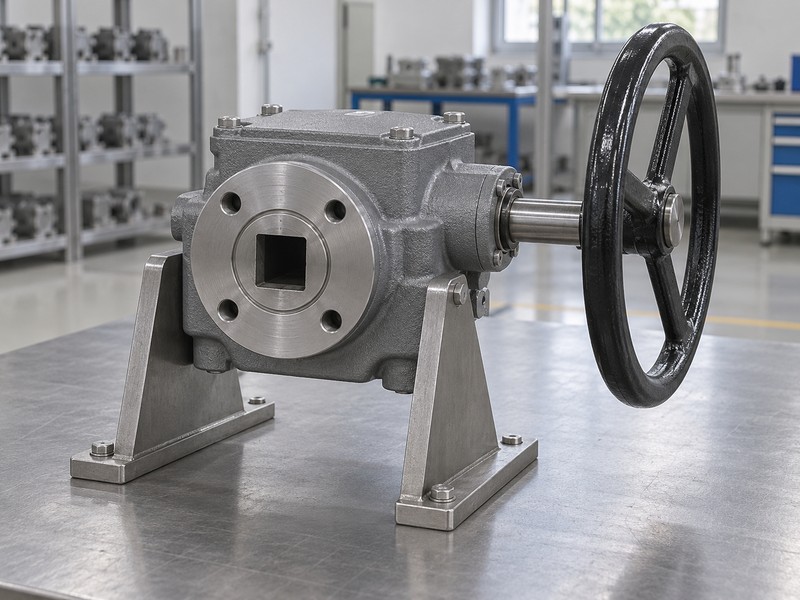
6. What coupling joins a butterfly valve gearbox diagram?
The coupling shown on a butterfly valve gearbox diagram links operator output with the actual valve shaft. Its graphic position can explain the transmission path without specifying dimensional fit. Shaft profile, orientation, tolerances, projection and usable engagement need the selected mating detail, especially when a bracket or drive bush sits between the components.
Which drawing answers the fit question?
Read the attachment boundary. ISO 5211 concerns part-turn actuator attachments, while the selected drive still needs its actual mating information. A schematic square symbol cannot supply square size, tolerance or socket depth. Compare the dimensioned valve, coupling and operator references to check engagement and clearance without preventing proper mounting-face seating.
- Identify the coupling in the complete drive path.
- Separate schematic symbols from machining dimensions.
- Request the actual profile, engagement and clearance detail.
Key takeaway: Use a functional diagram to locate the coupling and a mating detail to approve its fit.
| Check | What you should confirm |
|---|---|
| Function | Coupling transmits rotation into the valve shaft |
| Geometry | Dimensioned detail defines the actual mating profile |
| Fit | Engagement and clearance allow correct face seating |
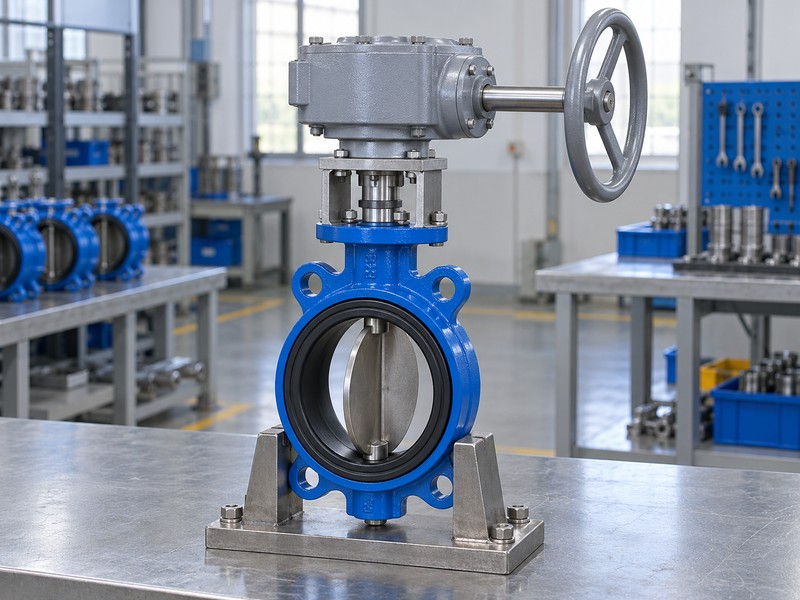
7. What stops appear on a butterfly valve gearbox diagram?
Stops on a butterfly valve gearbox diagram represent the selected travel-limiting arrangement, while the indicator shows its indexed position. Read their functions separately. The drawing must identify how the accepted valve endpoints relate to coupling orientation and operator travel rather than suggesting that a generic pointer mark proves disc position or sealing.
What should a trainee understand about endpoint marks?
Compare the stated references. A pointer can reach a marked position even when an incorrectly indexed or damaged connection prevents the disc from reaching its accepted endpoint. Movement checks and sealing checks need their own selected procedures and records. Physical adjustment belongs to the authorized valve and operator instructions; a generic explanatory diagram supplies no universal stop-setting sequence.
- Identify indication and travel limitation separately.
- Relate accepted endpoints to the actual coupling index.
- Keep movement and sealing verification as separate tasks.
Key takeaway: Read endpoint features as an arrangement that needs correct indexing and verification.
| Check | What you should confirm |
|---|---|
| Stop | Selected arrangement limits permitted travel |
| Pointer | Indexing relates the mark to the assembly |
| Verification | Actual endpoints and leakage have distinct evidence |
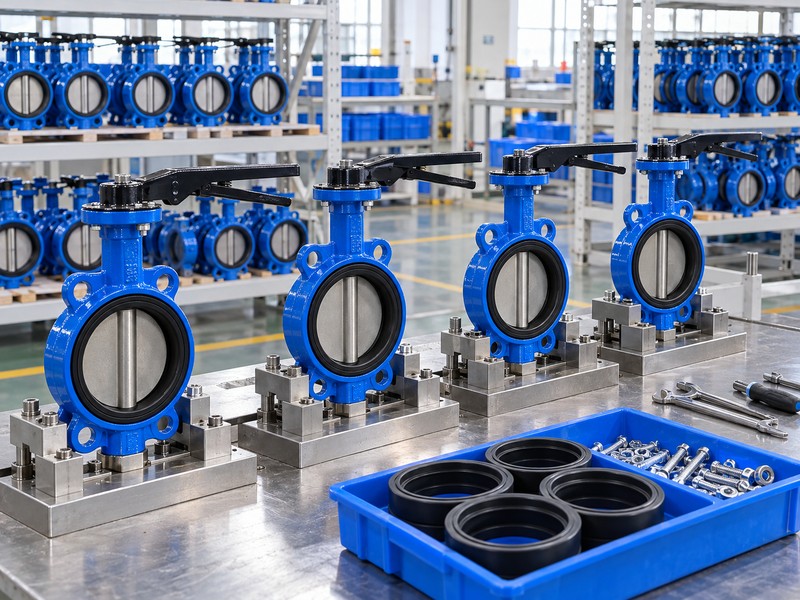
8. What drive can enter a butterfly valve gearbox diagram?
The input on a butterfly valve gearbox diagram may be a handwheel, an additional reducer or a powered arrangement that the selected package permits. Identify the input boundary before assigning a standard or control function. A part-turn valve output does not mean every attachment within the package has the same rotation type.
How should a mixed drive package be described?
Name each interface and function. Record the actual manual or powered input, any reduction stage and the valve-side output rather than labelling the whole package with one shorthand. Remote operation also needs its supply, controls and applicable manual-override information. A manual gearbox picture cannot establish actuator compatibility or failure action, and a motor symbol cannot provide an electrical or hazardous-area approval.
- Identify the actual input and every intermediate stage.
- Keep interface descriptions specific to their boundaries.
- Request supply and control details for powered operation.
Key takeaway: Describe the installed package by its actual input, reduction stages, output and controls.
| Check | What you should confirm |
|---|---|
| Input | Selected manual or powered arrangement is identified |
| Stages | Intermediate reductions remain in the description |
| Control | Remote functions have their own specification |
9. What cannot a butterfly valve gearbox diagram prove?
A butterfly valve gearbox diagram alone cannot prove output capacity, handwheel effort, self-locking, enclosure performance or the valve leakage result. Those properties require selected ratings, conditions and acceptance evidence. A diagram can locate a component or show a relationship while leaving material, manufacturing tolerance and tested performance entirely unspecified.
Which documents answer performance questions?
Ask for the relevant record. Use the torque selection for operating demand and operator capacity, environmental information for the actual exposure, and applicable inspection or test records for accepted functions. Keep valve pressure and wetted-material limits attached to the exact valve configuration. Diagram labels and visually persuasive illustrations cannot transfer ratings from another model or turn a conceptual line into measured product data.
- Use selected ratings for load and environmental questions.
- Retain the exact valve material and pressure basis.
- Distinguish explanatory graphics from measured acceptance results.
Key takeaway: Match each performance claim with the record that can substantiate it.
| Check | What you should confirm |
|---|---|
| Loads | Demand and capacity have selected-product evidence |
| Environment | Protection statements name conditions and limits |
| Acceptance | Required functions have applicable verification records |
10. What uses a butterfly valve gearbox diagram well?
Use a butterfly valve gearbox diagram to explain the drive path, identify drawing questions and prepare a better technical enquiry. Establish the valve and operator identity, drawing purpose and legend before marking uncertain features. This makes the diagram useful for communication while keeping purchase, machining and maintenance decisions tied to the documents those tasks require.
What should your marked-up enquiry contain?
Make questions answerable. Mark the uncertain component or interface, explain which decision depends on it and request the missing drawing, parts definition or rating. Retain the supplier response with its revision so later readers see how the question closed. RUITO can review valve-assembly enquiries using the supplied application and interface records; a clear marked-up diagram helps locate what still needs confirmation.
- Mark the actual feature or interface in question.
- State the decision that needs missing information.
- Retain the response with the correct drawing revision.
Key takeaway: Turn a diagram into a precise technical conversation with traceable answers.
| Check | What you should confirm |
|---|---|
| Question | Marked feature and requested information are specific |
| Decision | The enquiry states what the answer will resolve |
| Record | Supplier response stays linked to its revision |
Send RUITO the diagram, valve and operator identification, and a short list of the features you need to clarify. We can review the proposed valve assembly and identify the supporting interface or operating information required. Contact us with the drawing revision shown.
FAQ
Q1: Can I manufacture a coupling from a functional diagram?
Use a dimensioned approved detail. A functional sketch does not establish the geometry, tolerances or material needed for manufacture.
Q2: What’s the best place to begin reading?
Start with the drawing type and legend. Then trace input, reduction and output while retaining the viewing direction.
Q3: Can a ratio tell me how many turns open the valve?
It gives an ideal relationship when defined. Actual turns also require the complete reduction arrangement and accepted output travel.
Q4: How do I know what a rotation arrow means?
Read its legend and observer direction. Request clarification when either reference is missing.
Q5: Can the diagram prove the gearbox is self-locking?
No. Request the selected operator holding and back-drive limits for the actual operating conditions.