
How to Fix Common Butterfly Valve Isometric Symbol Mistakes
Fix a misread butterfly valve isometric symbol by checking the project legend, item reference and current drawing revision. You may see a small valve mark beside a tag and still lack enough information to order the assembly. Match that mark with the legend, bill of materials and approved valve drawing before comparing quotations. This guide separates what each document can tell you, so a familiar symbol doesn’t become an unsupported assumption about connections or fit.
1. What does a butterfly valve isometric symbol identify?
A butterfly valve isometric symbol identifies the valve’s position and component type within a represented pipe run. Its shape follows the drawing system and project configuration, so the legend remains your reference for interpretation. The isometric typically adds installation information such as dimensions, connection points, component item numbers and a material list. Read those records together before deciding which valve belongs at that location, especially when several similar valves appear on different branches of one skid.
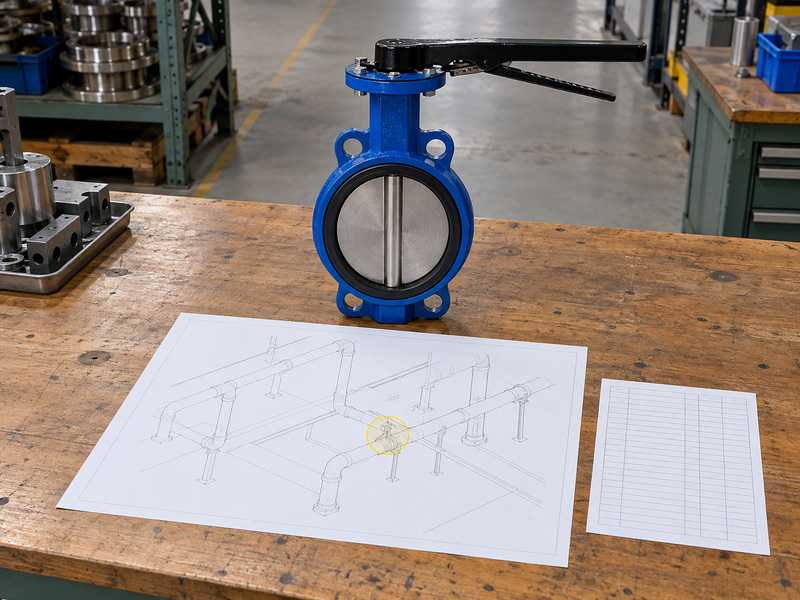
Which details belong to the same tagged item?
Start with the valve’s item number or equipment tag and follow its reference into the material list or valve schedule. A symbol can stay unchanged while the specified body style, seat or operator changes between revisions. Check that the description refers to a butterfly valve, then compare nominal size, end connection and piping specification. If the drawing uses only an item number, establish the link with the permanent valve tag before creating a purchase line; the two identifiers serve different document functions.
- Locate the symbol within the correct pipe run.
- Match its item number with the material list.
- Record the drawing revision used for the match.
| Drawing item | Use it to confirm |
|---|---|
| Symbol | Component location and class |
| Tag or item number | Link with the specified assembly |
| Material list | Procurement description |
Keep that document link intact when a quotation replaces an informal valve description.
2. Is ISO the same as an isometric valve drawing?
The word ISO beside a butterfly valve isometric symbol may abbreviate an isometric drawing, while ISO also names the International Organization for Standardization. The context tells you which meaning applies. An isometric is a drawing representation of piping geometry; an ISO standard is a published technical document. Writing ‘ISO symbol’ without a drawing reference or standard number leaves that distinction unresolved and gives a reviewer no reliable basis for accepting a particular valve mark.
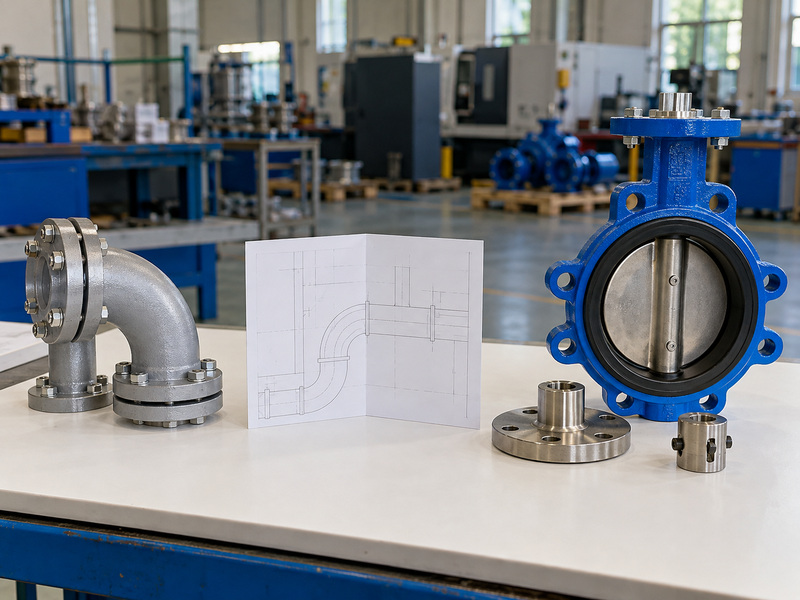
Which references should your drawing actually name?
Read the title block, general notes and legend sheet for the governing document references. ISO 10628-2 covers graphical symbols for chemical and petrochemical diagrams; its scope alone does not establish the symbol used by every piping isometric package. ISO 5211 concerns part-turn actuator attachments, so its appearance on a valve data sheet describes a mounting interface rather than a drawing glyph. Ask which project convention governs the sheet when the notes leave that unanswered.
- Read the drawing title and document type.
- Look for a complete standard number and scope.
- Confirm the project legend and its revision.
| Reference | Meaning to check |
|---|---|
| Piping ISO | Isometric drawing in project usage |
| ISO 10628-2 | Graphical symbols for process diagrams |
| ISO 5211 | Part-turn actuator attachment interface |
Use complete document references in the technical query instead of requesting an unspecified ISO symbol.
3. How do you find the correct valve on an isometric?
You find a butterfly valve isometric symbol by tracing the line identifier and connecting its valve reference with the matching schedule entry. Begin at a known endpoint, such as an equipment nozzle, then follow the indicated pipe route and continuation references. A valve near the right piece of equipment can still belong to another line. Use the identifiers printed on the drawing rather than estimating from the apparent distance between symbols or assuming the closest tag points to the nearest component.
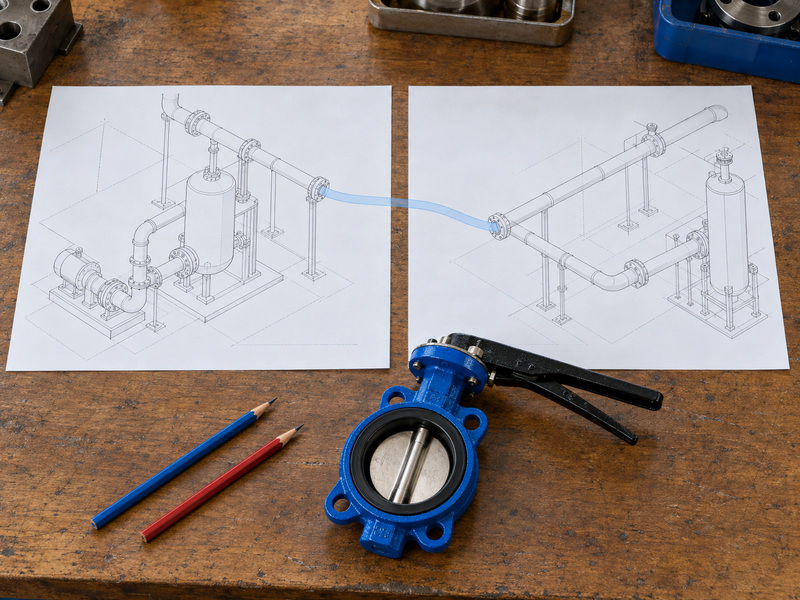
What happens when a pipe run crosses several sheets?
Follow continuation numbers through every relevant sheet and keep their revisions together. Check branch connections, line-size changes and specification breaks because the material requirements may change along a connected route. If a valve tag appears twice, determine whether the sheets show the same physical item at a continuation or contain a duplicate reference. Mark that question for the drawing owner before counting valves; an unresolved duplicate can produce an extra purchase or hide a missing component in a packed equipment module.
- Start from a named nozzle or line endpoint.
- Follow continuation references across sheets.
- Reconcile valve quantities with the current schedule.
| Identifier | Check against |
|---|---|
| Line number | Pipe service and specification |
| Continuation reference | Next drawing sheet |
| Valve tag | Single physical valve assembly |
Put unresolved tags on the clarification list before combining quantities across drawing packages.
4. How are valve body connections shown on an isometric?
A butterfly valve isometric symbol may include connection graphics, but the end arrangement must agree with the component description and approved dimensional drawing. Wafer, lug and double-flanged valves can require different fasteners and installation lengths even when their schematic marks look similar. For a wafer butterfly valve, check the companion-flange arrangement and through-bolt clearance. A short symbol drawn between two line segments cannot establish those details or prove that a replacement fits the existing spool.
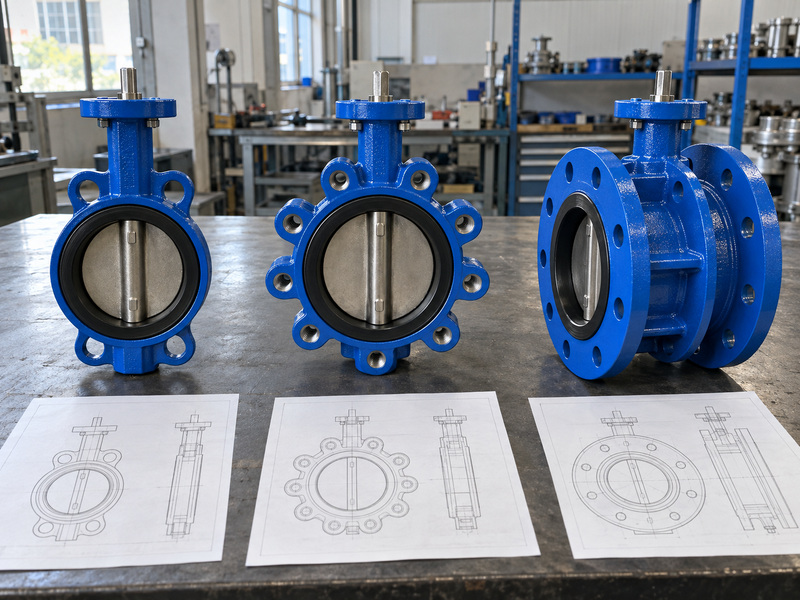
Which connection differences affect your purchase?
A lug butterfly valve uses body lugs for the specified bolting arrangement; a double-flanged body has its own pipe-flange connections. Confirm bolt-hole pattern, thread specification where relevant, face-to-face length and the required mating components. End-of-line isolation needs a separate model-specific assessment of pressure, direction and mechanical retention. A lugged outline on paper cannot authorize removal of downstream piping, and a nominal flange size cannot establish the approved duty of the exposed assembly.
- Compare face-to-face dimensions with the spool.
- Confirm flange drilling and required bolt details.
- Request explicit end-of-line limits when that duty applies.
| Body arrangement | Information to request |
|---|---|
| Wafer | Clamping and disc-clearance details |
| Lug | Threads, engagement and loading limits |
| Double flanged | Face-to-face and mating flange details |
List mating components in the RFQ so competing quotations cover the same installed joint.
5. Does the symbol show the valve’s physical orientation?
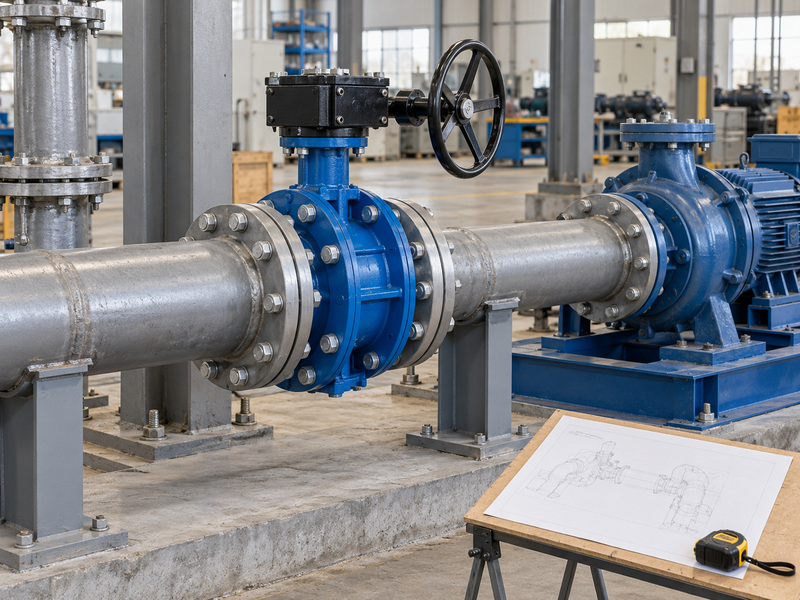
A butterfly valve isometric symbol can indicate an operator or shaft direction when the drawing convention supports it, but it does not establish every installed orientation. The printed sheet represents three-dimensional pipework through a simplified view. A stem drawn upward on the page may need an explicit orientation note before you can treat it as vertical in the plant. Compare the isometric with the assembly drawing, project coordinate references and any operator-position details included in the layout package.
How should you describe an operator position?
Specify the pipe axis, shaft axis and the operator’s installed location using dimensions or an agreed view. For flanged butterfly valves, include gearbox or actuator dimensions in the layout review rather than checking the body alone. A valve can fit between flanges while its handwheel sits behind a support or its actuator cover cannot be removed. Ask for the operating and maintenance envelope of the complete assembly, including extensions and brackets that change its reach or overall height.
- State the reference view for orientation notes.
- Show the operator and its support arrangement.
- Check access with insulation and nearby equipment included.
| Space requirement | Confirm on |
|---|---|
| Body installation length | Valve dimensional drawing |
| Operator position | Assembly arrangement |
| Maintenance access | Equipment layout or model |
Add dimensions where a page direction could be mistaken for a physical mounting instruction.
6. Can a drawing symbol confirm disc and pipe clearance?
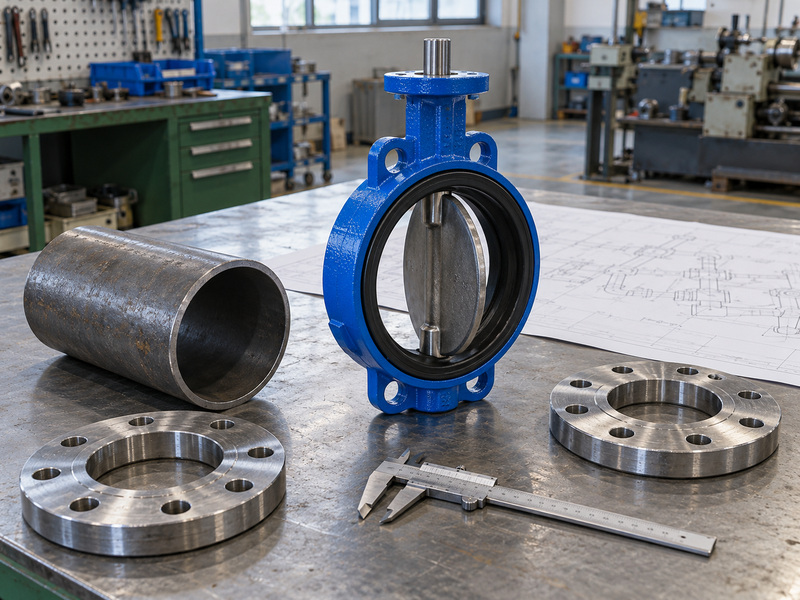
A butterfly valve isometric symbol cannot by itself confirm clearance between the rotating disc and adjacent piping. The disc can extend beyond the valve body when open, so the available internal bore must suit the exact valve geometry. Nominal diameter describes a size designation and does not supply every internal dimension. Compare the manufacturer’s clearance requirements with the actual pipe, flange and nearby fitting details, especially when a short spool places the disc close to another component.
Where should you check for interference?
Review the entire disc sweep against pipe inside diameter, flange bore, liners, gasket position and any reducer or fitting close to the valve. For a PTFE lined butterfly valve, obtain the approved installation detail for the lining and flange interface as well. Its sealing surfaces and compression limits belong to that assembly. Resolve a mismatch through an approved design change before fabrication; field grinding of a valve disc or an improvised gasket change can create a different mechanical and sealing problem.
- Use the exact valve clearance drawing.
- Check actual bores rather than nominal sizes alone.
- Review the full disc travel before approving the spool.
| Potential obstruction | Required comparison |
|---|---|
| Pipe or flange bore | Disc sweep envelope |
| Nearby fitting | Axial disc projection |
| Lining and sealing face | Approved installation detail |
Record the accepted dimensions so the workshop and site crew check the same clearance.
7. What do operators and flow arrows tell you?
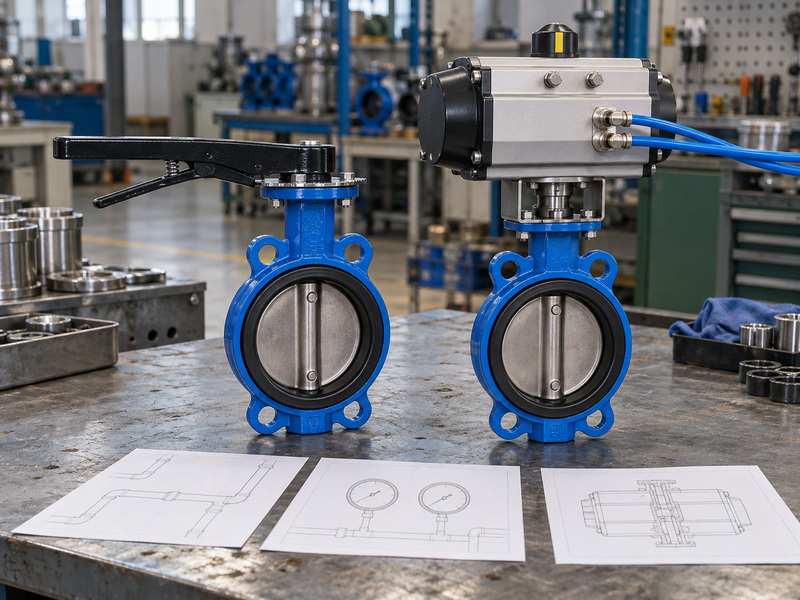
Operator graphics beside a butterfly valve isometric symbol identify the represented operating arrangement, while flow arrows identify the documented direction of flow. Neither detail alone proves permitted shutoff direction, reverse-pressure capability or actuator failure behavior. A butterfly valve uses a rotating disc driven through its shaft; it does not provide automatic non-return action merely because an arrow appears nearby. Treat flow direction, pressure direction and operator response as separate questions with their own supporting notes or data-sheet entries.
Which operating details need another document?
Check the approved assembly for manual, electric or pneumatic operation and confirm which accessories the scope includes. An actuator drawing may show a local indicator while the electrical or instrument documents define remote feedback and control. Normal operating position and response after loss of air, power or signal need explicit definitions. Ask for the specified failure case, available supply and required closing differential before accepting an actuator description, since a matching outline supplies no evidence of operating torque under the project’s worst stated condition.
- Read every arrow using its legend definition.
- Confirm the allowed pressure directions and differential.
- Match operator functions with the control documents.
| Drawing detail | Question to resolve |
|---|---|
| Flow arrow | Which operating flow direction? |
| Pressure note | Which permitted shutoff differential? |
| Actuator description | Which supply and failure response? |
Keep these three checks separate when reviewing a valve beside a pump discharge.
8. How do you resolve missing or conflicting valve details?
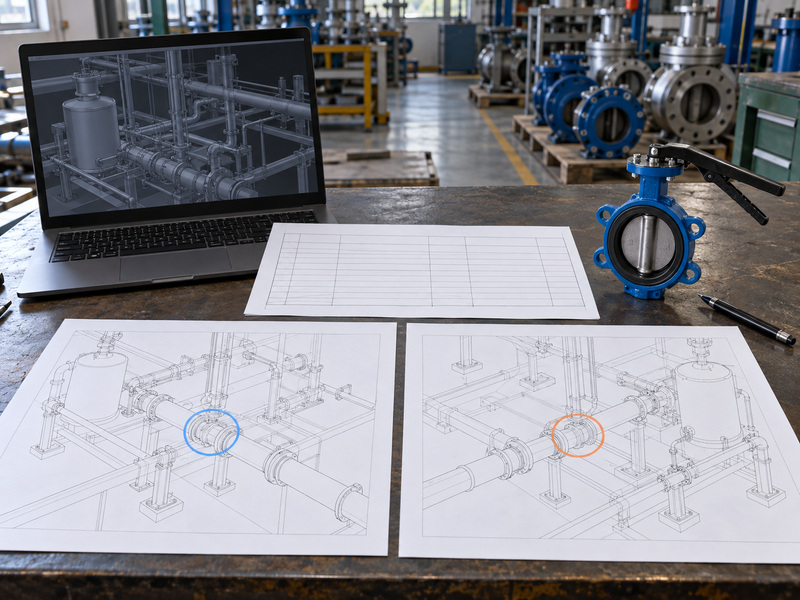
You resolve conflicting butterfly valve isometric symbol information by raising a documented technical query and obtaining an approved correction or clarification. A familiar-looking mark cannot settle a conflict between the drawing, schedule and supplier data sheet. Record the disputed tag, line number, document numbers and revisions, then describe the exact mismatch. Ask the responsible project engineer which approved requirement governs the purchase, and keep that answer with the affected drawing and quotation rather than relying on an unrecorded verbal instruction.
What if an automatically generated symbol looks wrong?
Generated drawings also depend on model properties and the project symbol configuration. Autodesk’s isometric symbol documentation describes a project symbol library; a software graphic is therefore part of a configured output. Have the design team inspect component classification, symbol mapping, tag properties and annotation settings. Regenerate the relevant sheet after correcting the controlled source, then compare its material list and references with the approved requirement so a cosmetic edit does not leave the underlying component information inconsistent.
- Attach a marked drawing extract to the query.
- Name the conflicting field and document revisions.
- Close the query with an approved disposition.
| Mismatch | Clarification needed |
|---|---|
| Symbol versus schedule | Correct component definition |
| Missing valve tag | Approved item identification |
| Old versus new issue | Applicable purchase revision |
Recheck quantities and purchase descriptions after the corrected drawing has been issued.
9. What should buyers check before releasing an RFQ?
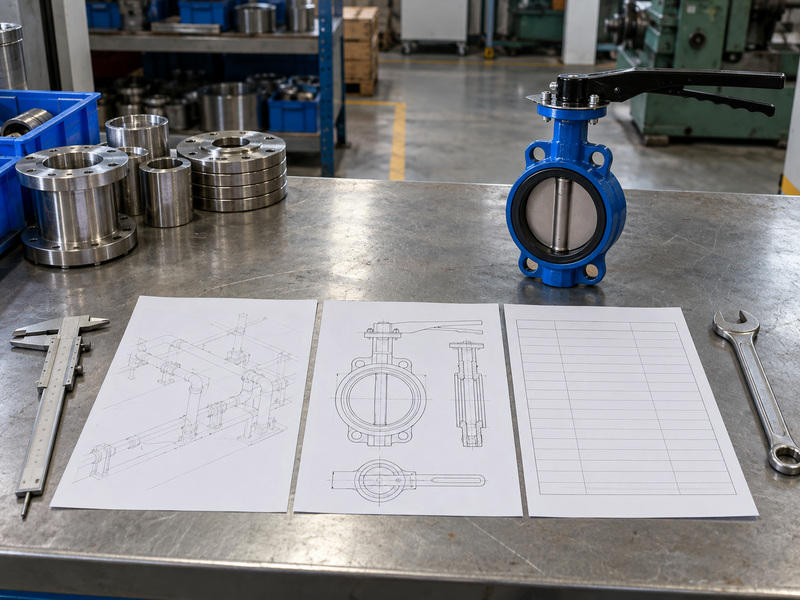
Before releasing an RFQ, reconcile the butterfly valve isometric symbol with a tagged valve description, service data and a defined installation interface. Give suppliers enough information to quote the same assembly rather than asking them to reconstruct a duty from a cropped drawing. Include the current isometric and relevant dimensional constraints, but state medium composition, temperature, operating pressure and maximum shutoff differential separately. A pipe specification or pressure class alone cannot replace those operating inputs or establish material compatibility.
What should the supplier return with the quotation?
Request the proposed body arrangement, wetted materials, seat or lining, pressure-temperature limits, operator details and dimensional drawing. Ask suppliers to identify deviations against each requested interface and service condition, including any dimensional assumption made because a field measurement is missing. For repeat orders, name the approved drawing revision and define how substitutions will be reviewed. Procurement can then compare the offered valve package with the actual piping requirement and return unresolved engineering questions before issuing the purchase order or releasing fabrication.
- Send the tag-linked valve and service requirements.
- Identify fixed spool and access dimensions.
- Request a deviation list with the proposed drawing.
| RFQ attachment | Supplier response |
|---|---|
| Valve and service schedule | Specified configuration and limits |
| Installation dimensions | Proposed assembly drawing |
| Project document references | Deviations and revision agreement |
Resolve departures in writing before the quotation becomes an order description.
10. What else should you ask about isometric valve symbols?
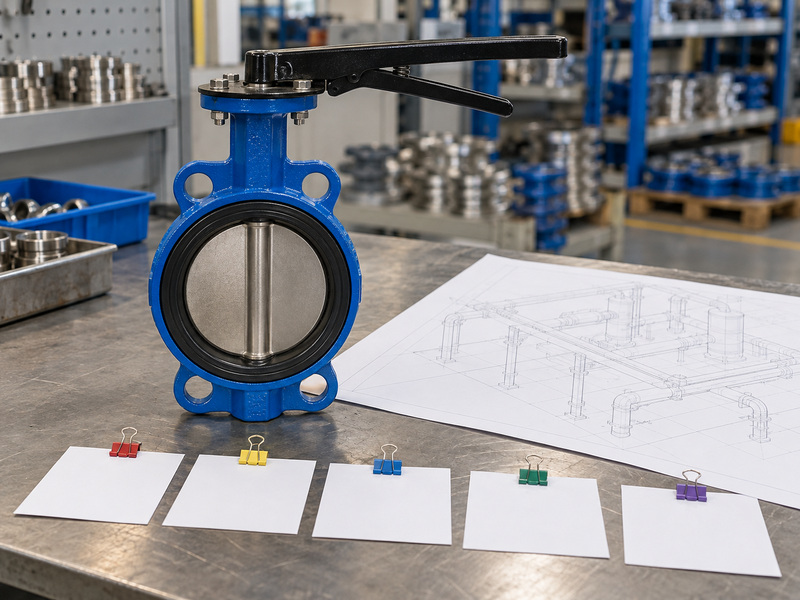
Further questions about a butterfly valve isometric symbol usually concern whether its appearance can replace missing engineering information. Use the answers below to decide which document to request before you count, replace or purchase the valve.
Q1: Can I identify the exact valve model from the symbol?
Usually no. Use the tag, valve schedule and approved data sheet to identify the model, materials and operator; one graphic can represent several configurations.
Q2: What is the best reference if the symbol looks unfamiliar?
Use the project legend. Match its revision with the drawing issue, then ask the drawing owner to clarify any unlisted or conflicting graphic.
Q3: Can I measure the symbol to obtain the valve length?
No. Use stated dimensions and the approved general arrangement; the printed symbol does not provide a dependable installation length for a spool or replacement.
Q4: How do I know if the valve allows reverse-pressure shutoff?
Check the model-specific rating. Confirm direction, differential pressure, temperature and end conditions in the approved technical documents before accepting that duty.
Q5: Can I replace a wafer valve with a lug valve directly?
Only after an interface review. Compare face-to-face length, flange details, bolts, disc clearance and operator space, then obtain approval for the proposed replacement.
Send RUITO the valve tag, current drawing, service conditions and fixed installation dimensions. We can review the proposed valve connection, materials and operator package against those inputs; contact us today to request a configuration and drawing review.