
How to Avoid Costly Butterfly Valve Symbol Mistakes
Read a butterfly valve symbol against the project legend, then check its operator, tag and notes before specifying hardware. A buyer reviewing a marked P&ID can recognize the valve family yet still miss its operating function or required failure response. Read the body mark, operator detail, tag and notes together. That approach gives you a defined starting point for the valve schedule without asking a small schematic graphic to supply dimensions, materials or performance data.
1. What does a butterfly valve symbol mean?
A butterfly valve symbol means that the diagram calls for a butterfly valve at the identified point in the process. The valve controls its passage with a disc that turns about a shaft, commonly through a quarter turn between closed and fully open positions. A piping and instrumentation diagram, or P&ID, communicates process connections and control relationships through graphics and identifiers. Read the valve’s represented function in that setting before choosing a body style, operator or material for the purchase schedule.
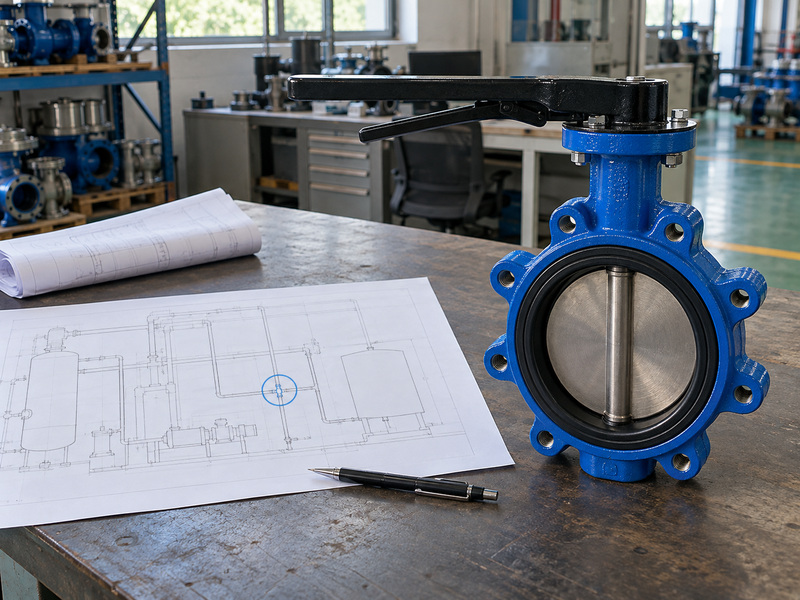
What can the body graphic tell you?
The body mark identifies the valve category when its meaning is established by the legend. The accompanying notation may show manual operation, automation, a normal position or an instrument relationship, depending on the project convention. None of those additions supplies a guaranteed flow coefficient or allowable shutoff differential. Those values require a data sheet for the offered size and configuration, together with the stated fluid and operating conditions.
- Identify the valve category through the legend.
- Read nearby operating and instrument details.
- Link the represented duty with a valve schedule entry.
| P&ID information | Interpretation |
|---|---|
| Body graphic | Specified valve family |
| Operator and notes | Represented operating arrangement |
| Tag | Link with other valve records |
Carry the identified function into the specification before selecting a catalogue configuration.
2. How can you recognize the symbol in a project legend?
You recognize a butterfly valve symbol by matching the graphic on the diagram with the approved project legend rather than relying on a shape remembered from another plant. Some drawing libraries use a simplified disc or shaft representation; others combine a general valve body mark with a tag or explanatory note. Graphics can also change between company libraries or project revisions. Confirm the intended family before interpreting small variations in linework, especially when a scanned sheet has lost detail.
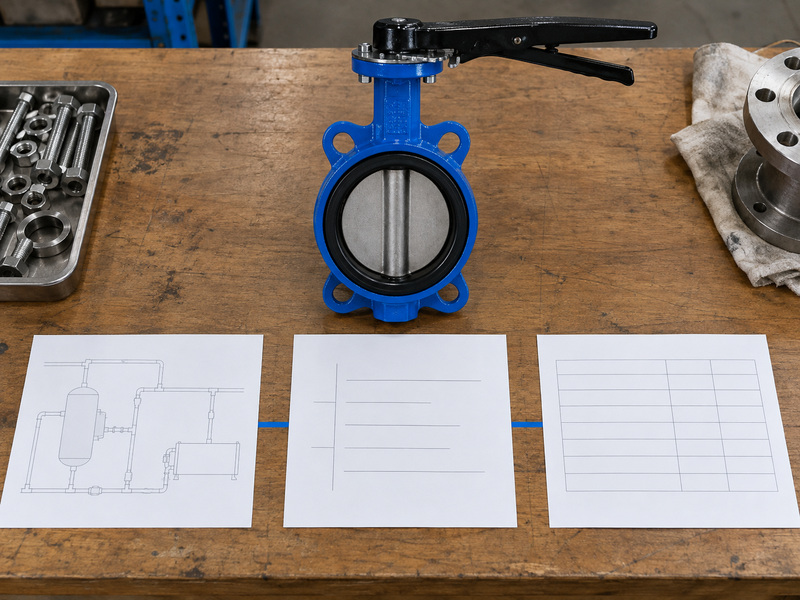
Which symbol references govern the drawing?
Check the legend’s document number, revision and stated drawing convention. ISO 10628-2 defines graphical symbols for chemical and petrochemical diagrams; ISA’s instrumentation standard scope concerns instrument and control identification and permits alternative symbolism methods. Use the applicable project implementation of those references. A standards number printed in general notes does not excuse an unreadable symbol, an absent legend entry or a conflicting valve description; put those discrepancies into a marked clarification request.
- Match the full symbol, including operator details.
- Confirm that the legend applies to the current drawing.
- Request clarification for an unlisted or unclear mark.
| Available reference | Appropriate use |
|---|---|
| Project legend | Interpret the printed graphic |
| Named standard | Confirm the specified convention |
| Valve schedule | Verify the intended valve family |
Attach both the drawing extract and matching legend entry when asking for a correction.
3. How do butterfly, ball, gate and check symbols differ?
A butterfly valve symbol differs from ball, gate and check valve symbols according to the chosen legend, which assigns each graphic to a valve mechanism or function. A butterfly valve turns a disc; a ball valve turns a bored ball; a gate valve moves a gate across the passage. A check valve responds to flow and pressure conditions through its closing mechanism. These differences affect the specified duty even when the printed marks share an outline or occupy the same small space.
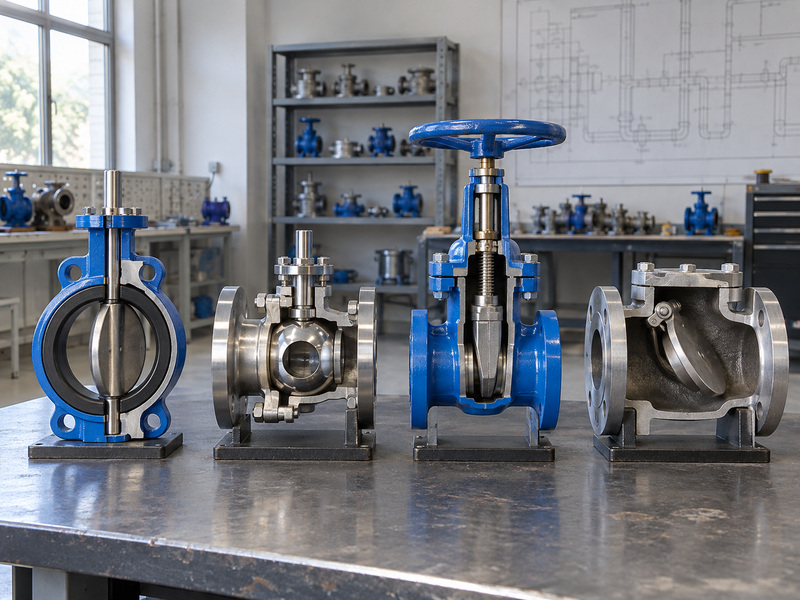
Which confusion changes the operating requirement?
A butterfly valve used for isolation does not become a check valve because the line includes a flow arrow. It requires an operating mechanism, whereas a check valve provides its stated non-return function through its own design. A generic valve graphic also needs a schedule or note that names the required family. If a mark suggests one family while the description names another, ask the drawing owner to resolve the conflict; ordering whichever type is available can change flow behavior, operation and installation requirements.
- Read the mechanism or valve family from the legend.
- Keep process arrows separate from non-return function.
- Check the named valve type against the schedule.
| Valve family | Mechanism to identify |
|---|---|
| Butterfly | Rotating disc |
| Ball | Rotating bored ball |
| Gate | Gate across the flow passage |
| Check | Flow-responsive non-return mechanism |
Compare the required function before comparing prices for similar-sized valves.
4. What do manual and powered operators add?
Operator details added to a butterfly valve symbol describe how the represented valve is operated, using the project’s graphic convention. A manual lever, gearbox, electric actuator or pneumatic actuator changes the operating arrangement around the same valve family. Look for a connected operator mark and associated notes before describing the assembly as manual or automatic. The graphic establishes the intended category; the actuator specification defines supply, output, control functions, environmental requirements and accessories for the offered assembly.
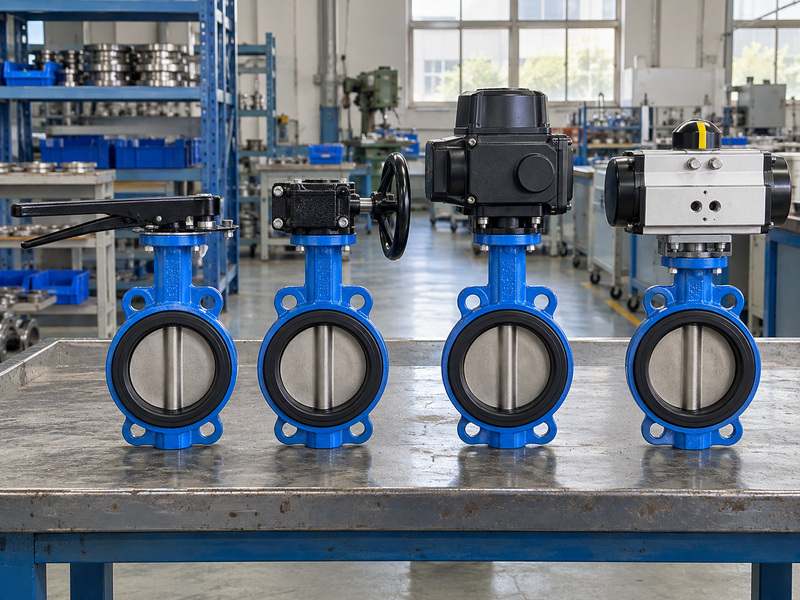
What should you request for an actuated valve?
Ask for operating torque at the stated differential pressure and service conditions, available electrical or pneumatic supply, stroke requirements and feedback functions. Confirm the valve-to-actuator interface and the complete assembly arrangement, including brackets and couplings when used. ISO 5211 concerns part-turn actuator attachments, so a matching interface designation does not establish sufficient output torque. The supplier must match the drive with the valve duty and minimum available supply rather than selecting an actuator from nominal valve diameter or a familiar P&ID operator icon alone.
- Confirm whether operation is manual or powered.
- State available supply and required control functions.
- Request an assembly drawing and duty-based sizing.
| Operator detail | Supporting specification |
|---|---|
| Manual | Permitted effort and access |
| Electric | Power, control and output |
| Pneumatic | Supply, action and output |
List the operator accessories so quotations cover the same valve assembly.
5. Can the symbol show normal and failure positions?
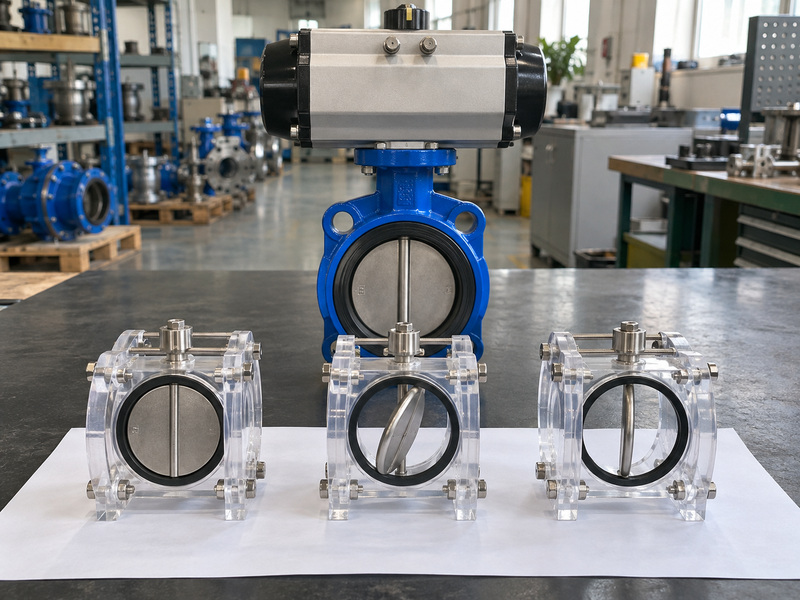
A butterfly valve symbol can carry normal-position and failure-position information when the legend and associated notes define those markings. Normal position describes an intended operating state; failure position describes the specified response to a defined loss of supply or control. A valve normally open during production may need to close after a particular failure. Read the actual note instead of treating a disc drawn at an angle as proof of an open position or assuming normal operation predicts failure behavior.
Which failure case does the notation cover?
Define whether the requirement concerns loss of electrical power, instrument air, control signal or another stated event. FO and FC commonly denote fail open and fail closed, but the project legend must define the abbreviation and its applicable event. The assembly design and accessories determine whether the requirement can be met. A pneumatic actuator outline alone does not establish spring return, and an electric operator outline does not establish stored energy or an approved last-position response under every fault condition.
- Separate normal state from the stated failure response.
- Name the supply or signal loss being considered.
- Match notes with the actuator and control specification.
| Notation subject | Question to answer |
|---|---|
| Normal position | State during which operating mode? |
| Failure position | Response to which defined event? |
| Position feedback | Which physical state is reported? |
Resolve unclear abbreviations before approving the actuator and control package.
6. What do the tag and line numbers tell you?
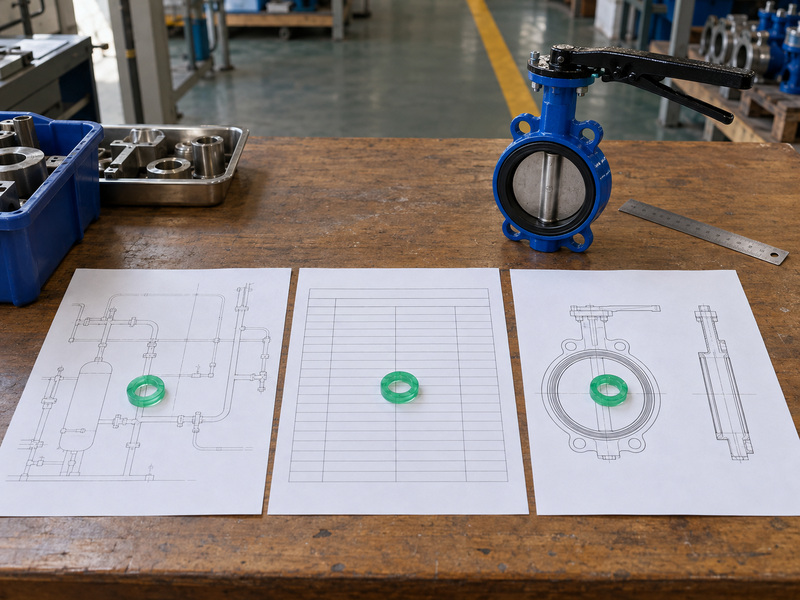
The tag beside a butterfly valve symbol identifies the valve or its function within the project’s naming system, while a line number links the connected pipe with line records. Neither identifier should be expanded from memory without the project’s coding rules. A plant may use abbreviations that differ from another site’s practice, and an instrument tag can describe a control function rather than the complete mechanical valve specification. Match each identifier with the document register and schedule before preparing an equipment list.
Which records should match the tag?
Use the valve schedule, data sheet and any instrument index or control narrative relevant to the represented function. Verify size, medium, pressure-temperature conditions, operator and service description across those records. Follow specification breaks where a line changes material or rating instead of carrying one assumption across the whole process route. When the P&ID and schedule disagree, record the exact field and revision in the query; a corrected tag with an old purchase description can still lead to the wrong assembly being ordered.
- Check the project tag and line-coding rules.
- Compare valve and instrument records where applicable.
- Keep current revisions with the procurement description.
| Identifier | Linked record |
|---|---|
| Valve tag | Valve schedule and data sheet |
| Instrument reference | Index or control documentation |
| Line number | Line list and piping specification |
Retain the tag on the quotation, approved drawing and order line for traceability.
7. Can a symbol identify wafer, lug or flanged valves?
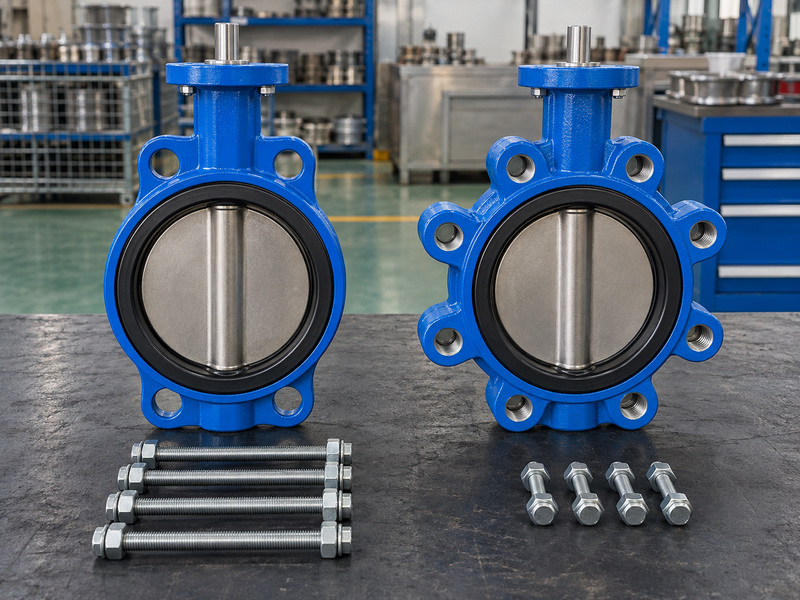
A butterfly valve symbol may be supplemented with end-connection information, but many P&IDs leave the body arrangement to the valve schedule and piping specification. You need a stated wafer, lug or double-flanged requirement before comparing installed joints. A wafer butterfly valve clamps between companion flanges, while a lug butterfly valve uses its specified body-lug connection. Their bolt arrangements and approved end conditions need separate definition even when the P&ID body graphic is identical.
Where should the mechanical selection be confirmed?
For flanged butterfly valves, confirm the exact face-to-face length, mating flange requirements and installation envelope on the approved drawing. Review disc clearance against the actual adjacent bores for every body type. A connection description also does not establish permission for end-of-line isolation; that duty needs explicit model-specific ratings and retention requirements. Give procurement a complete mechanical description instead of letting a supplier select the body arrangement from the process symbol or from the available space in a diagram.
- Name the body connection in the valve schedule.
- Confirm mating flanges, bolts and installation length.
- Request separate confirmation for end-of-line service.
| Connection arrangement | Define in procurement |
|---|---|
| Wafer | Companion flanges and clamping |
| Lug | Threads, bolts and permitted duty |
| Double flanged | Mating connections and body length |
A named connection arrangement lets suppliers quote the same mechanical scope.
8. Do symbols reveal sealing materials and ratings?
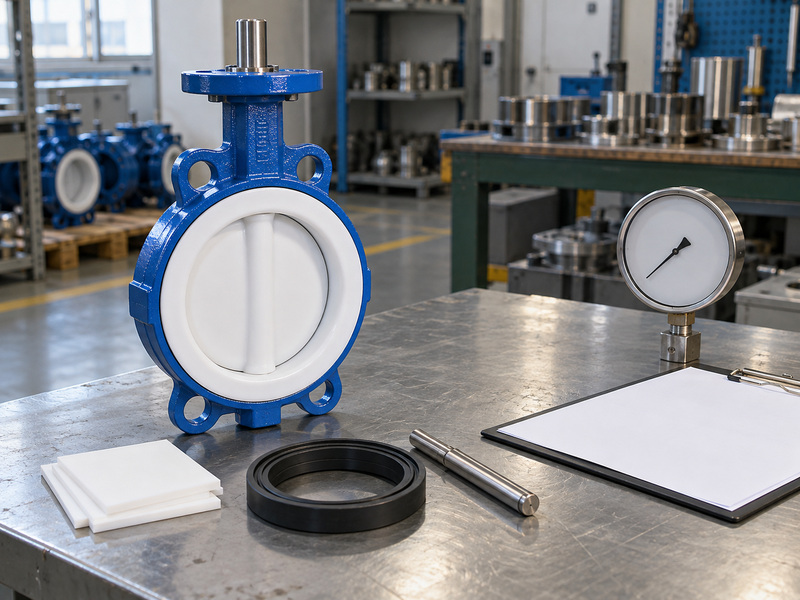
A butterfly valve symbol does not normally establish seat material, continuous lining, pressure-temperature rating or chemical compatibility. Those requirements belong to the specified configuration and service data. For a PTFE lined butterfly valve, identify the complete wetted arrangement, backing and shaft seals rather than treating a short material note as proof of compatibility. Fluid composition, concentration, impurities and cleaning conditions can change the required material assessment even when the P&ID symbol and line size remain unchanged.
Which performance claims need model-level evidence?
Ask for the allowable pressure-temperature relationship and maximum shutoff differential for the proposed size, direction and installation condition. Treat a pressure-test result as an inspection record under its stated procedure rather than an operating rating for every temperature. Seat leakage acceptance also needs a named method and criterion for the offered valve. When throttling is required, request flow and operating information for that duty; a butterfly symbol in a control loop cannot establish an acceptable flow characteristic, cavitation limit or service life by itself.
- List each wetted material and sealing component.
- Provide simultaneous pressure and temperature conditions.
- Request duty-specific flow and leakage documentation.
| Required property | Document to request |
|---|---|
| Material compatibility | Approved material and service review |
| Pressure-temperature limit | Model-specific rating data |
| Shutoff or throttling duty | Applicable test and performance information |
Compare ratings at the stated operating condition instead of combining unrelated maximum values.
9. How should you check a symbol before specifying a valve?
Check a butterfly valve symbol by matching the legend, valve family, operator details and tag with the current valve schedule and service requirements. Work from the represented function toward a documented specification, then resolve missing information before a supplier commits to a configuration. Begin with the intended isolation or control duty and the defined failure response where relevant. Add the mechanical, material and performance requirements from their approved records so the P&ID interpretation becomes a purchase description that can be reviewed.
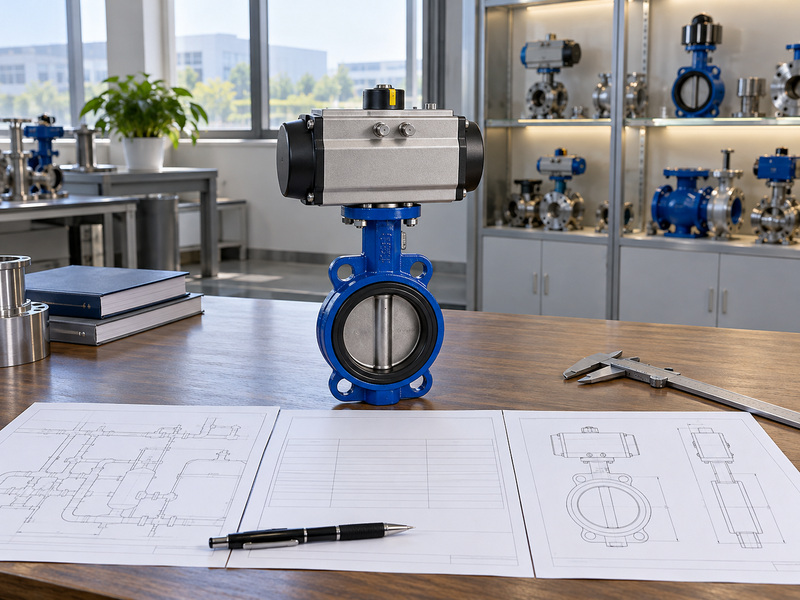
What belongs in the final supplier inquiry?
Send the relevant P&ID extract and legend together with the tag-linked data sheet, operating conditions and connection requirements. Identify fixed dimensions, required accessories, inspection documents and any project approval conditions. Ask the supplier to return a proposed configuration, dimensional drawing and clear deviations rather than a statement that the product matches the diagram. If the design changes, update the affected records and tag references together; approving a new operator or seat while leaving the old schedule in circulation invites another round of conflicting quotations.
- Verify the legend and tag before selecting hardware.
- State complete service and interface requirements.
- Review the offered configuration and deviations together.
| Review stage | Required result |
|---|---|
| P&ID interpretation | Defined valve and operating function |
| Technical specification | Service, materials and interfaces |
| Quotation review | Accepted configuration and deviations |
Release the order after the remaining technical departures have a documented disposition.
10. What else should you ask about butterfly valve symbols?
Questions about a butterfly valve symbol often arise when a small graphic seems to supply more detail than the drawing supports. Use these checks to identify the next document you need before assigning an operating function or approving hardware.
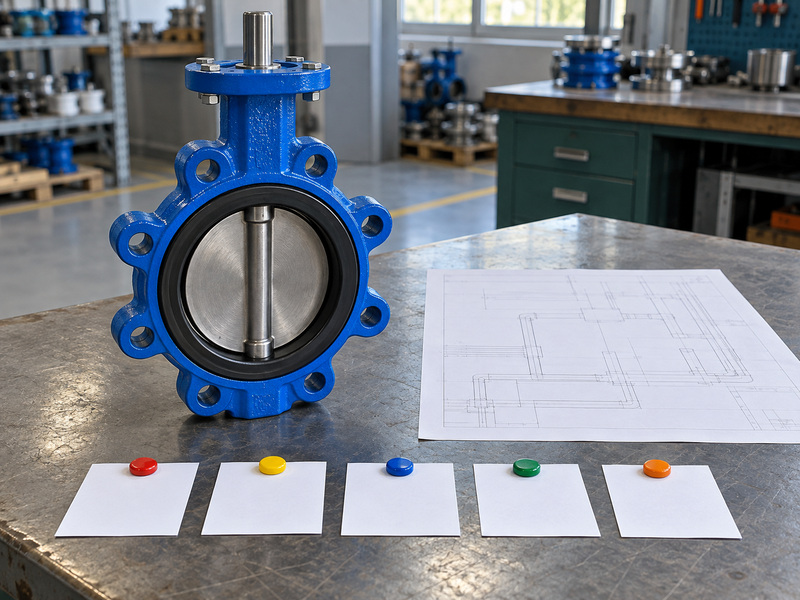
Q1: Can I use a generic valve symbol for a butterfly valve?
Yes, if the approved project convention permits it and the tag or schedule clearly identifies the butterfly valve. An unexplained generic mark leaves the family unresolved.
Q2: How do I know if the valve is normally open?
Check an explicit note or schedule entry. The drawn disc angle and an adjacent flow arrow do not by themselves establish the normal operating position.
Q3: Can I read fail closed from the actuator outline?
Only when the legend and notes define that meaning. Verify the specified failure event and actuator package before accepting a fail-closed requirement.
Q4: What is the best document for valve dimensions?
Use the approved general arrangement or dimensional drawing for the selected assembly. A P&ID describes process relationships and cannot supply installation measurements.
Q5: Can the same body symbol represent a lined valve?
Yes. Confirm the lining, disc covering, backing and shaft seals in the data sheet and material list, then review compatibility against the stated service.
Send RUITO your tagged P&ID extract, valve schedule and service conditions. We can review body connection, wetted materials and operator requirements against the proposed assembly; contact us today for a valve configuration and document review.