
How to Fix Butterfly Valve Schematic Symbol Mistakes
Read a butterfly valve schematic symbol by checking the project legend, then tracing the process route and control connections around the valve. A powered valve beside a controller may serve isolation, flow regulation or an interlock, and those duties need different specification details. Follow the connected tags and notes before choosing hardware. The review below keeps the intended control behavior linked with the valve and actuator data that must support it.
1. What does a butterfly valve schematic symbol represent?
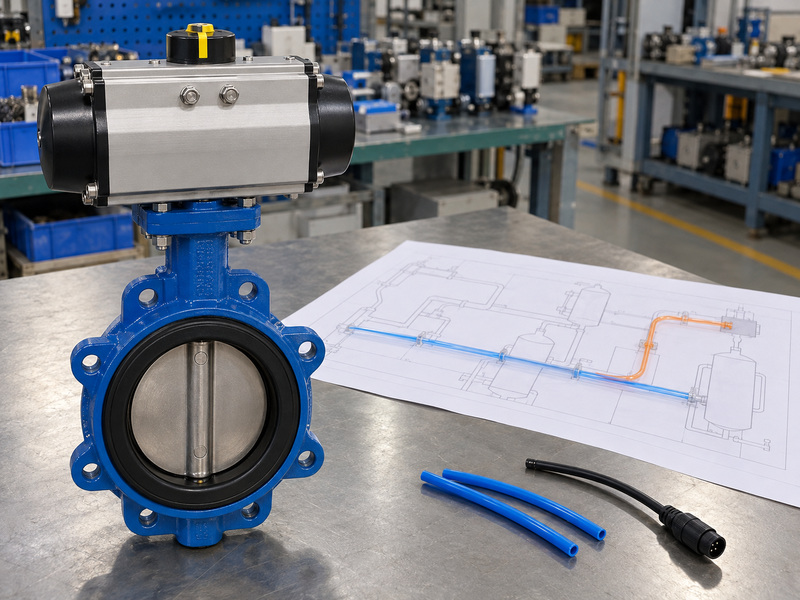
A butterfly valve schematic symbol represents a butterfly valve within a functional drawing of a piping or process system. The body mark identifies the valve family when the legend assigns that meaning, while connected lines, operator marks and tags describe its relationships with other equipment. A schematic arranges those relationships for reading rather than providing every physical dimension. Start by confirming what kind of drawing you have and which approved legend governs it before interpreting the valve’s intended operating duty.
Where should you begin tracing the function?
Locate the valve in the process route and identify the equipment on each side. Then trace any separate connections toward operators, instruments and control functions. A valve on a tank inlet might isolate that inlet or regulate a controlled condition, depending on the documented arrangement. Use the tag-linked valve schedule and control description to establish what the valve must do, and list gaps that remain before a supplier is asked to select the package.
- Identify the drawing type and applicable legend.
- Follow the process route through the valve.
- Trace each connected operating or instrument function.
| Drawing element | Read it for |
|---|---|
| Valve body mark | Named mechanical family |
| Process connection | Place in the fluid route |
| Control connection | Represented operating relationship |
Describe the required function in words before converting the graphic into a purchase item.
2. How do you separate process piping from signal lines?
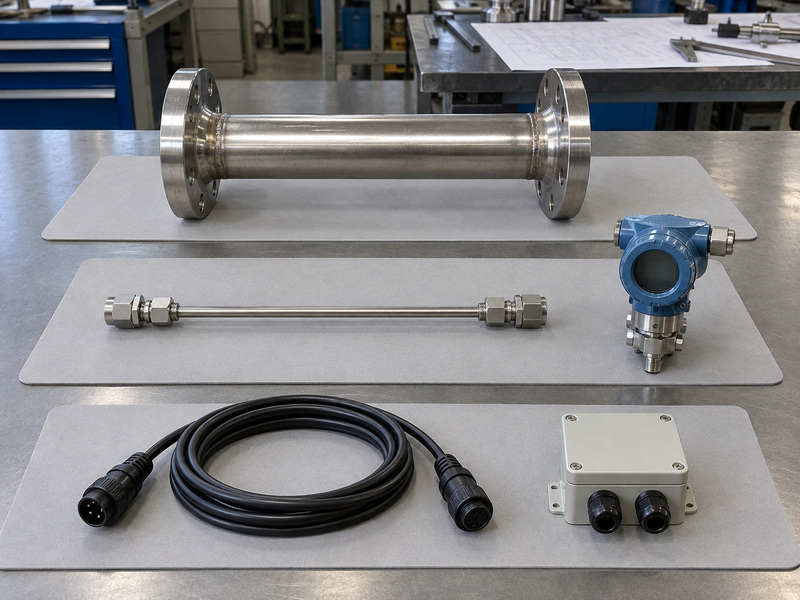
You separate process piping from signal lines around a butterfly valve schematic symbol by using the drawing legend’s line definitions and following their endpoints. Process piping carries the specified process or utility medium; signal connections communicate the represented control information. Instrument connections can also include physical tubing or other defined links. A dashed line must be interpreted within the project’s legend because similar patterns may identify different signal types, existing work or future piping in different drawing conventions.
What should you do at a line crossing?
Use the legend’s connection and crossing rules to decide whether overlapping lines join, then follow each line to its named device or continuation. A published ISA control-diagram example distinguishes signal and process connections within a defined arrangement. For your project, mark the actual route from the measurement point toward the controller and valve. If broken linework obscures a connection, request a clearer controlled drawing before assigning a control function.
- Use the legend for line patterns and junctions.
- Trace endpoints instead of following nearby graphics.
- Keep uncertain crossings on the clarification list.
| Connection category | Question to answer |
|---|---|
| Process or utility pipe | Which medium follows this route? |
| Instrument connection | Which measurement or supply link? |
| Signal connection | Which information or command? |
Color-code a review copy only after the line categories and connections are confirmed.
3. Is the valve shown for isolation or modulating control?
A butterfly valve schematic symbol indicates isolation or modulating control only through its associated function, notes and control connections. Isolation requires the stated opening and closing duty; modulation requires controlled intermediate positions over the specified operating range. A powered operator can serve either function. The presence of an actuator therefore gives you a starting point for the inquiry, while the valve schedule and control narrative establish which behavior the assembly must provide during normal operation and defined abnormal conditions.
Which duty changes the valve selection?
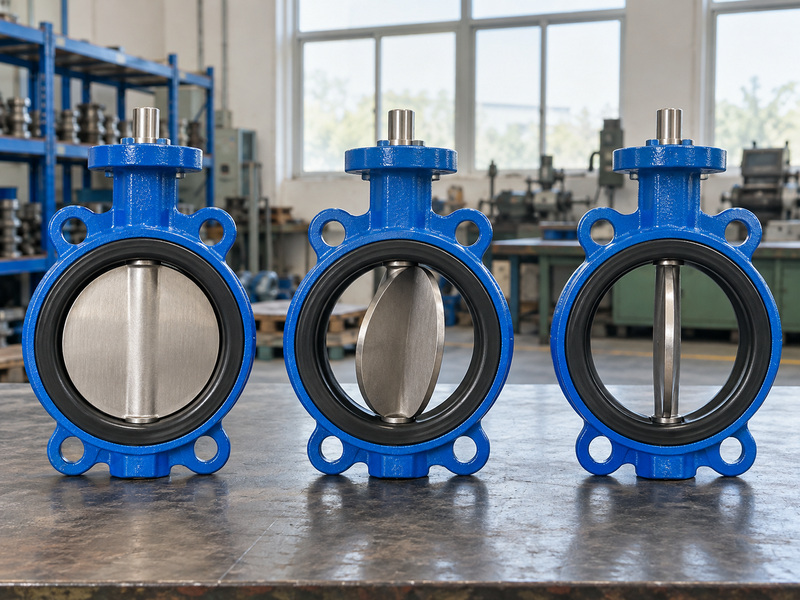
A wafer butterfly valve describes a body connection arrangement, so it does not answer whether a particular configuration suits sustained throttling. For control duty, give the supplier the required flow range, pressure conditions, fluid properties and operating pattern. Request the applicable flow characteristic and limits for the offered valve. For isolation, confirm maximum shutoff differential, permitted pressure direction, cycling and leakage acceptance.
- State whether intermediate positioning is required.
- Define shutoff duty separately from flow regulation.
- Request performance information for the offered configuration.
| Functional duty | Selection information |
|---|---|
| Isolation | Shutoff conditions and leakage criterion |
| Modulation | Flow range and control conditions |
| Combined duty | Evidence for both stated requirements |
Keep the control requirement explicit when otherwise similar valve bodies are compared.
4. How do controller tags connect to the valve?
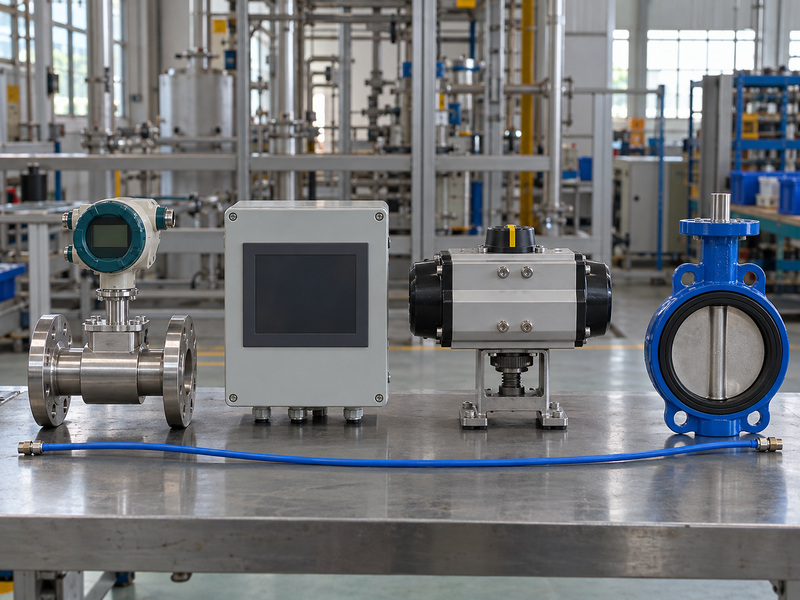
Controller tags connect to a butterfly valve schematic symbol through the signal paths and identification rules defined for the project. Read the function and loop reference together rather than assuming any nearby instrument controls that valve. In a commonly used flow-control example, FT denotes a flow transmitter and FIC a flow indicating controller. Those examples describe instrument functions within their stated convention; the project index and connected signal route must confirm how the actual valve participates in the loop.
How can you trace a complete control path?
Follow the measurement device into the controller, then follow the output through any converter or operating device toward the valve actuator. The DOE print-reading handbook provides instrument-identification examples, including FIC, but your project may add its own tag structure and device references. A missing converter symbol does not authorize a guess about the supplied signal. Check the instrument data sheet, loop documentation and equipment scope to determine which functions are separate items and which belong inside a supplied assembly.
- Trace measurement, controller and final operating device.
- Match loop references with the instrument index.
- Identify conversions and scope boundaries explicitly.
| Control-path item | Confirm from records |
|---|---|
| Measurement device | Measured variable and output |
| Controller | Required control function |
| Actuator interface | Accepted command and supplied accessories |
Use tag references to close the control chain instead of inferring it from page proximity.
5. What separates commanded, normal and failure states?
Commanded, normal and failure states around a butterfly valve schematic symbol describe different operating questions. The commanded state is the position or action requested at a particular time; the normal state is the defined condition for a named operating mode. The failure state is the required response to a specified fault or supply loss. Record the relevant mode and event for each description so a note such as normally open is not mistaken for a complete response after every loss of power or control.
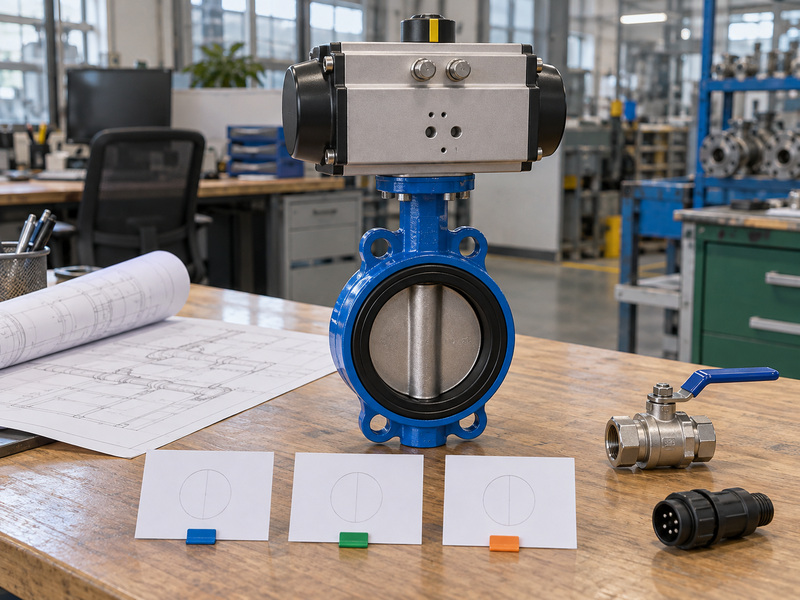
Which state should the supplier guarantee?
State the required response for each applicable event and identify the available supply or stored energy. Loss of instrument air, loss of electrical power and loss of the command signal can produce different responses in the same package. When a lug butterfly valve is offered with automation, body connection does not settle any of those responses. Review the actuator, solenoid, controls and accessories as an assembly, then agree which event the failure-position note covers and how that behavior will be demonstrated.
- Name the operating mode for the normal position.
- Define each relevant loss-of-supply or signal event.
- Specify the required response and its verification.
| State description | Required context |
|---|---|
| Commanded | Current request and operating mode |
| Normal | Defined routine condition |
| Failure | Named event and required response |
Place unresolved state requirements in the control query before approving an operator package.
6. What do actuators, solenoids and positioners change?
Actuators, solenoids and positioners connected to a butterfly valve schematic symbol describe different parts of the operating chain. The actuator supplies mechanical motion; a solenoid valve switches its specified fluid path; a positioner acts on a command and position feedback within its defined arrangement. The presence of one device does not prove another is included. Read each item against the scope of supply and interface data so the requested valve package contains the functions represented by the schematic.
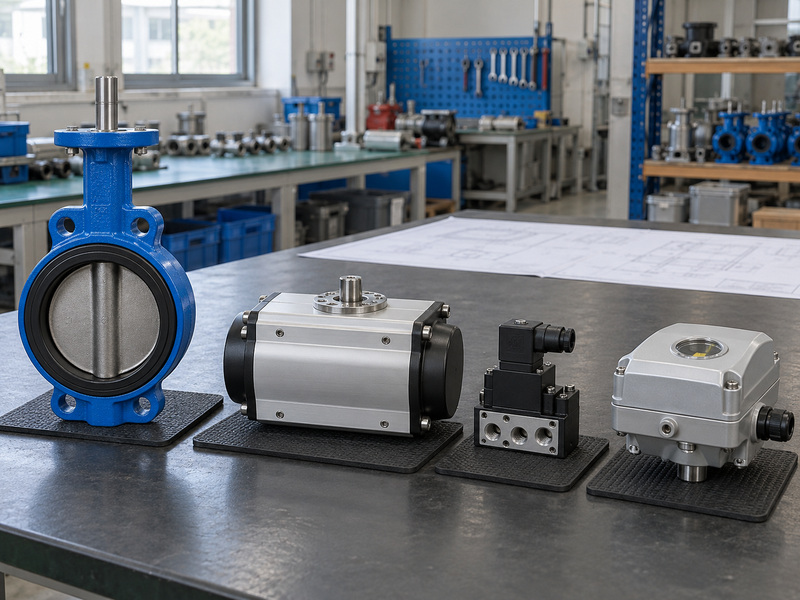
Where can the quotation leave a function unassigned?
Check who supplies air treatment, signal conversion, local override, position switches and any required exhaust or pressure-control accessories. Some functions may sit within a packaged device, while others need separate hardware and wiring or tubing. For flanged butterfly valves, include the complete drive, brackets and couplings in the assembly drawing. Confirm output capability at the minimum available supply and required differential pressure.
- Identify the function of every represented accessory.
- Define package boundaries and external connections.
- Check output and supply for the complete assembly.
| Device | Function to confirm |
|---|---|
| Actuator | Required valve motion and output |
| Solenoid | Specified switching of the fluid path |
| Positioner | Command-to-position control arrangement |
Return a marked scope list with the quotation so missing functions are visible before ordering.
7. How do feedback signals confirm valve position?
Feedback connected to a butterfly valve schematic symbol reports the state measured by the specified feedback device; it does not automatically prove disc position or seat tightness. An end switch may report an operator endpoint, while continuous feedback reports a position within the device’s stated measurement arrangement. Read the feedback tag and data sheet to determine what is sensed and where. A command to close and a closed indication describe separate parts of the operating sequence, each of which needs a defined acceptance check.
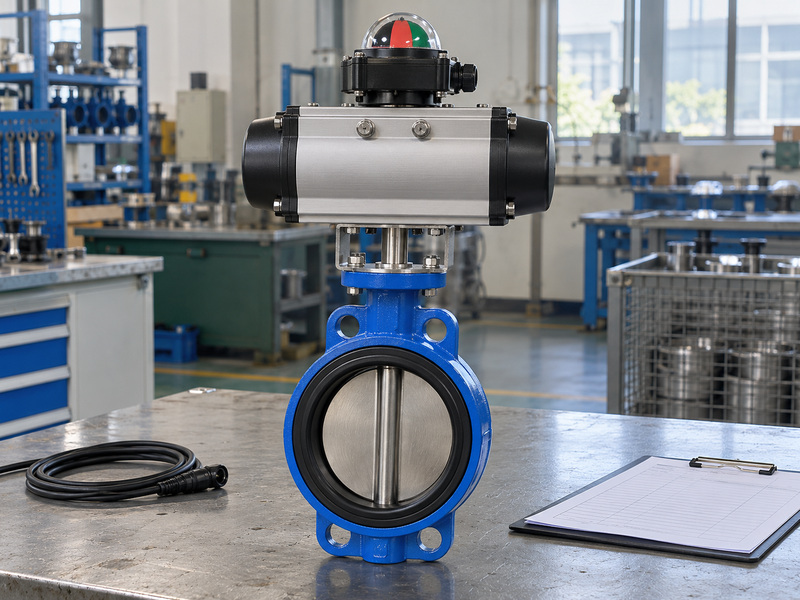
What should commissioning compare?
Compare the command, actuator movement, mechanical indication and returned signal under the approved test procedure. Verify drive indexing and feedback adjustment against the actual valve position after assembly or operator work. If confirmation of isolation is required for maintenance, follow the site’s isolation and pressure-verification procedure; a position signal alone cannot establish zero leakage or absence of pressure. Record which signal was tested, its physical reference and the result so later troubleshooting can distinguish a control request from the state the field device reported.
- Define whether feedback is discrete or continuous.
- Identify the physical position that the device senses.
- Check returned indication against the approved assembly.
| Information | What it establishes |
|---|---|
| Command | Requested action or position |
| Position feedback | Reported measured state |
| Leakage or pressure check | Result under the stated procedure |
Document the feedback reference before relying on an endpoint indication during troubleshooting.
8. Can the selected valve meet the schematic’s duty?
You can confirm whether a selected valve meets the butterfly valve schematic symbol’s duty only by comparing the proposed configuration with the stated operating conditions. The graphic identifies a function and relationship, while model data establish pressure-temperature limits, wetted materials, shutoff differential and operating capability. For a PTFE lined butterfly valve, the review must cover the complete wetted system, backing and shaft seals. A lining description or process-service label cannot replace an assessment of the actual fluid composition and temperature.
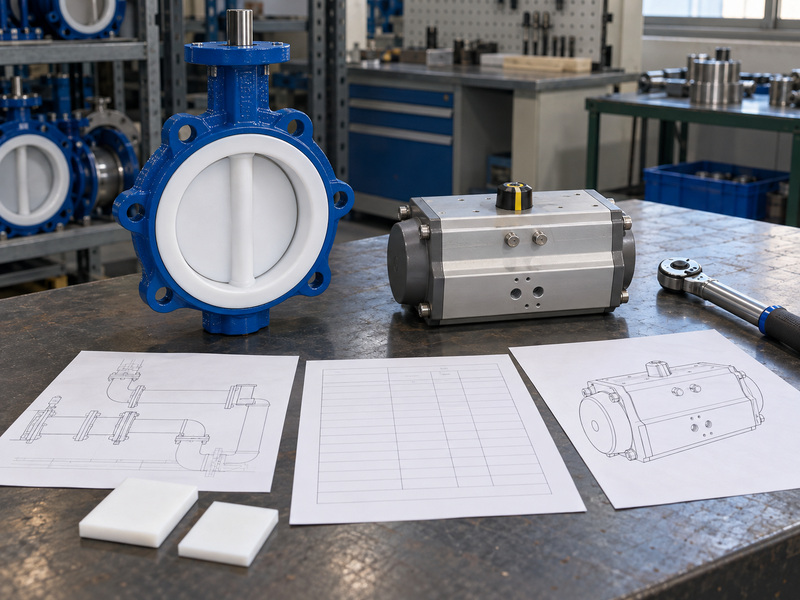
Which control conditions need their own review?
Provide the required minimum, normal and maximum flow conditions with the relevant inlet and outlet pressures. Ask the supplier to review the offered valve’s usable operating range and any limits involving cavitation, noise, vibration or unstable control for the specified service. Confirm torque through the required movement as well as at shutoff, and check available drive output. Keep model-specific evidence with the proposal instead of assuming every butterfly valve provides the same control characteristic because the schematic uses a common body graphic.
- Supply simultaneous flow, pressure and temperature cases.
- Request material and duty limits for the exact assembly.
- Review valve behavior and actuator capability together.
| Required evidence | Duty it supports |
|---|---|
| Material and rating data | Specified process conditions |
| Flow-performance information | Required modulation range |
| Torque and drive data | Movement and shutoff capability |
Resolve duty restrictions before the drawing function becomes an unconditional purchase requirement.
9. How do you turn a schematic review into an RFQ?
Turn a butterfly valve schematic symbol review into an RFQ by recording the valve’s function, control interfaces, defined states and service conditions as explicit requirements. Attach the marked schematic and applicable legend, then link the valve tag with the schedule and data sheet. Include the mechanical interface and access constraints from the approved layout. A supplier can then quote a defined assembly and identify departures, instead of deciding how an incomplete control path should operate or which accessories belong to the order.
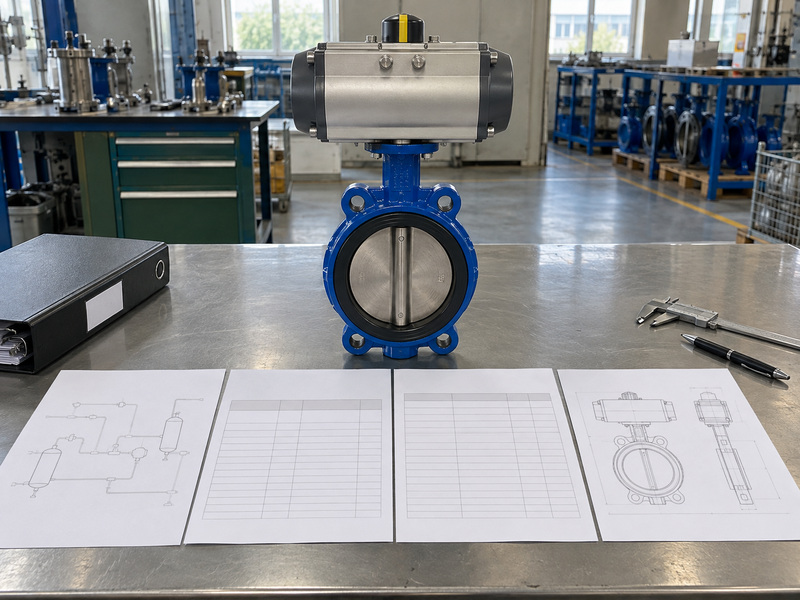
What should your review package ask the supplier to return?
Request the proposed valve configuration, operator sizing basis, accessory list, connection details and assembly drawing. Include a response table for normal operation, commanded action and each defined failure event so inconsistent assumptions are visible. For modulation, request the relevant flow and control information; for isolation, name the shutoff and leakage requirements. Route deviations to the responsible engineering owner before purchase and update the controlled schedule when a change is accepted, keeping the tag and document revisions consistent across the final order package.
- State duty and events in words alongside the graphic.
- Define mechanical, signal and supply interfaces.
- Request deviations against each documented requirement.
| RFQ item | Supplier deliverable |
|---|---|
| Functional requirements | Operating and state response |
| Service and interface data | Proposed valve and assembly drawing |
| Controls and accessories | Defined scope and deviations |
Approve the remaining departures before releasing manufacturing or integration work.
10. What else should you ask about schematic valve symbols?
Ask whether the butterfly valve schematic symbol defines the signal path, operating state and device scope clearly enough for selection. These questions help close common gaps before the schematic becomes a valve and automation order.
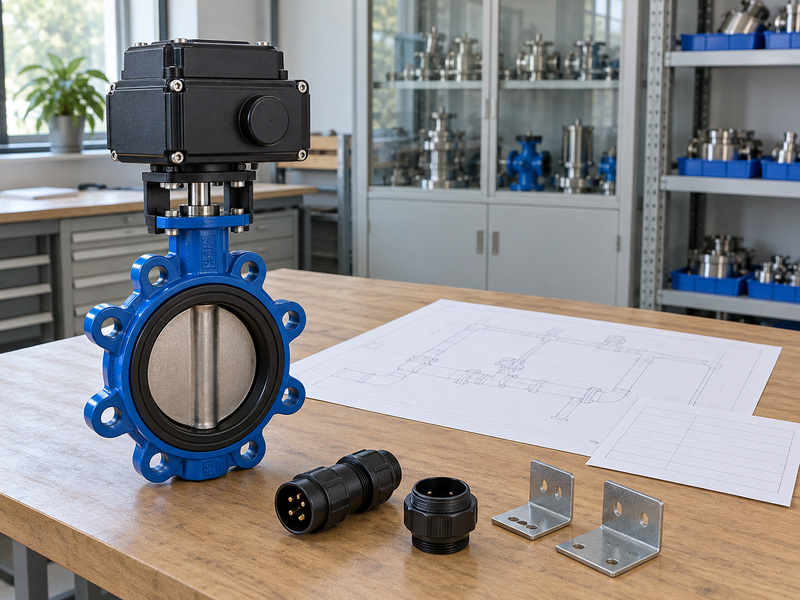
Q1: Can I assume a dashed line is an electrical signal?
No. Use the project legend and trace both endpoints. A similar pattern can have another meaning in a different drawing convention or discipline.
Q2: How do I know if the valve must modulate?
Check the control function and data sheet. A powered operator alone does not establish a requirement for controlled intermediate positions or sustained throttling.
Q3: Can I use normally open as the failure requirement?
Only if the project explicitly defines that response. Specify the failure event separately because routine position and loss-of-supply response can differ.
Q4: Does a closed indication prove tight shutoff?
No. Position feedback reports its measured reference. Seat leakage and safe maintenance isolation require the applicable checks under their stated procedures.
Q5: What is the best way to avoid missing accessories?
Use a function-by-function scope list. Match every represented signal, supply and operating device with a named supplier item or defined external interface.
Send RUITO the tagged schematic, control requirements and service data with your inquiry. We can review the valve connection, wetted materials and proposed operator package against that duty; contact us today to request an assembly and document review.