
How to Read Butterfly Valve Switch Ratings Without Mistakes
Read butterfly valve supervisory switch ratings as conditions for the specified contact and duty, then compare them with the selected monitoring input. A large current number on a data sheet cannot establish compatibility by itself. Keep contact limits, input detection conditions, module supply, and assigned output roles in separate fields before accepting the electrical submittal.
1. What does a butterfly valve supervisory switch rating mean?
A butterfly valve supervisory switch rating defines an electrical condition the manufacturer permits for an identified contact or device. Read the value with its voltage type, load description, contact identity, and other stated qualifications. A number separated from those labels can describe a different duty from the one your project requires.
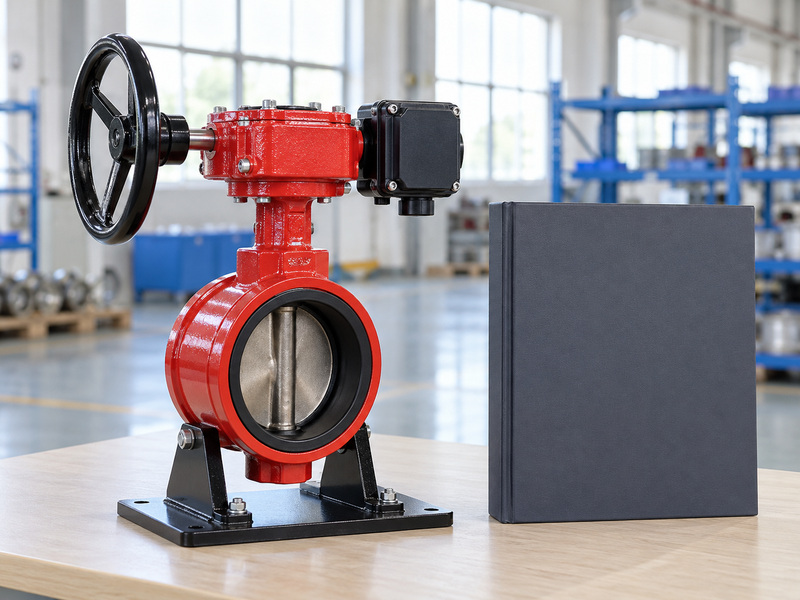
Begin with the exact assembly and switch documents. A grooved end butterfly valve description identifies a connection arrangement; it does not identify the contact rating or approved monitoring interface. Obtain the offered switch identity and document revision before completing the electrical comparison.
Keep the conditions beside the rating
In the review sheet, preserve the manufacturer’s labels rather than shortening an entire table to a single current value. Record which contact set the data cover and whether the stated duty includes restrictions or additional conditions. Refer an unclear or incomplete entry to the supplier instead of filling the gap with another switch’s data.
- Record the exact switch and applicable document revision.
- Keep voltage, current, duty, and contact identity together.
- List missing conditions as questions requiring a written response.
| Data-sheet field | Meaning for the reviewer |
|---|---|
| Contact identity | Which output the rating covers |
| Voltage and current | The specified electrical conditions |
| Load description | The duty attached to that permission |
| Qualification or note | Additional limits that remain applicable |
An electrical comparison should retain enough detail for another reviewer to reconstruct its basis.
2. Why must AC and DC contact ratings stay separate?
Keep AC and DC values separate because a butterfly valve supervisory switch may have different permitted contact duties for each. An AC current rating does not establish the corresponding DC capability. Match the actual voltage type and operating conditions with the applicable manufacturer entry rather than converting one rating into another.
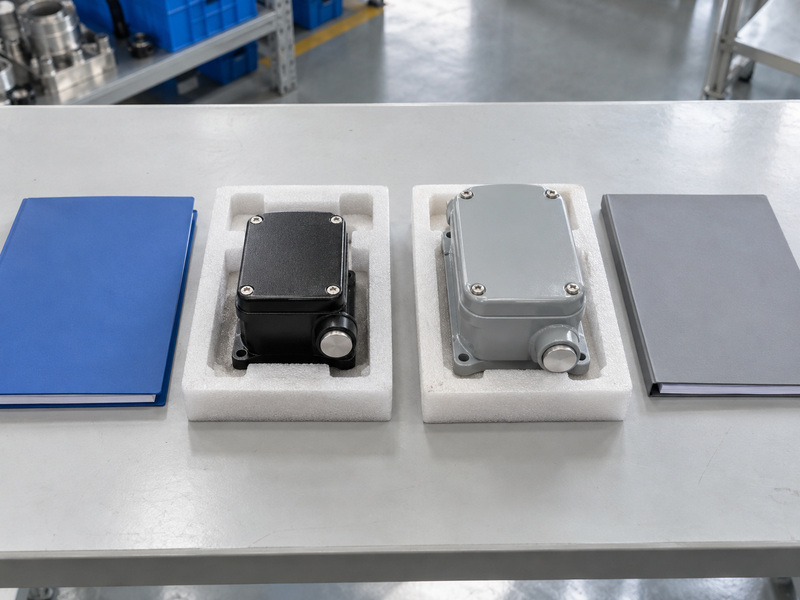
The Potter PCVS data sheet illustrates this distinction by listing an AC contact entry separately from a DC resistive entry for its identified model. It also states a minimum contact condition. Those are model-specific fields, not universal values for supervisory switches or RUITO assemblies.
Compare the appropriate entry without inventing a conversion
Ask the electrical reviewer to identify the actual conditions at the intended contact interface. Record those conditions beside the relevant switch rating and any additional manufacturer restrictions. A different voltage type, missing DC entry, or unclear duty needs a supplier response before the comparison can be accepted.
- Identify whether the intended interface uses AC or DC conditions.
- Compare only the entry applicable to that voltage type and duty.
- Request clarification when the published data do not cover the proposed conditions.
| Review finding | Treatment |
|---|---|
| Applicable AC entry | Review within its stated conditions |
| Applicable DC entry | Retain any resistive or other duty limitation |
| Only another voltage type is listed | Obtain evidence for the intended duty |
| Conditions remain unclear | Keep electrical acceptance open |
A larger number in another column cannot close a missing-rating question.
3. How do load types change the permissible contact duty?
The load description limits the duty covered by a butterfly valve supervisory switch rating. A resistive-load entry cannot establish permission for an inductive or other differently characterized load. Ask what the contact actually interfaces with instead of treating every device described as an electrical load as equivalent.
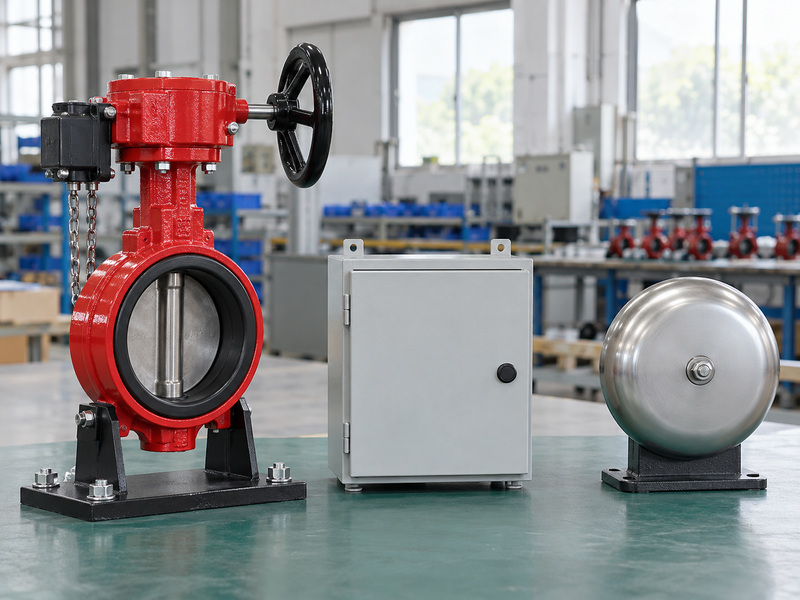
OMRON’s industrial switch specifications separate resistive, lamp, inductive, and motor-load information and distinguish standard-load from microload models. This is an example of how manufacturers organize different contact duties. It does not establish that those industrial switches are approved replacements for a fire-protection supervisory device.
Describe the intended interface before judging the rating
A monitoring input and an externally powered signalling device can present different review questions. Ask the responsible electrical specialist to identify the applicable load conditions and obtain the manufacturer’s support for that duty. A published motor-related or inductive entry is not a reason to add an unrelated powered function to a supervised valve package.
- Name the intended monitoring or auxiliary function.
- Preserve load-type qualifications and any stated operating conditions.
- Refer additional powered functions for their own approved design review.
| Term in a rating table | Information to retain |
|---|---|
| Resistive | The stated voltage and current conditions |
| Inductive | The manufacturer’s specified duty qualifications |
| Microload | The applicable low-level contact conditions |
| Other specified duty | Its own permission and restrictions |
Accept the duty the manufacturer documents, and request evidence for any proposed use beyond it.
4. Does a dry contact need its printed rating as a supply?
A dry-contact butterfly valve supervisory switch does not need the printed maximum contact rating as an operating supply. The contact changes electrical continuity while the connected monitoring circuit establishes its sensing conditions. Keep that contact function separate from any power required by an input module, panel, or other device.
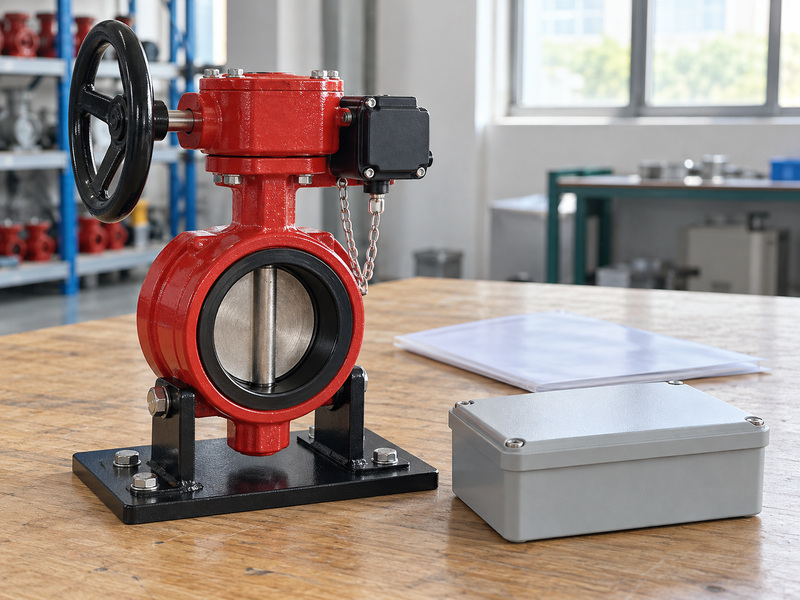
The Potter PAD100-MIM installation manual describes monitoring dry-contact devices and lists module operating voltage separately from input-circuit voltage and current. These fields describe different parts of that module’s operation. The manual is an example of document structure, not an approval of every switch-module combination.
Separate contact capacity from device power requirements
Ask the supplier to identify whether the offered supervision device consists of passive contacts or includes electronics with separate supply requirements. Then have the electrical reviewer identify the corresponding interface in the exact equipment documents. “Dry contact” describes an interface; it does not mean that a connected circuit has no electrical conditions to review.
- Identify the contact output separately from any powered electronics.
- Keep module operating supply and monitored-input parameters in different fields.
- Request clarification if a device description mixes these functions.
| Document item | Question it answers |
|---|---|
| Contact switching rating | What stated duty can the contact support? |
| Module operating supply | What powers the identified module? |
| Monitoring-input parameters | What conditions occur at its contact interface? |
| Additional electronics | Are separate requirements documented? |
The rating plate should support a compatibility review rather than become an assumed supply instruction.
5. Which input parameters should a reviewer compare?
Compare the butterfly valve supervisory switch conditions with the actual monitoring input’s documented requirements, including low-level suitability where the switch specifies it. Maximum contact capacity answers only part of the question. The reviewer also needs the input’s sensing conditions, supported contact behavior, and applicable manufacturer compatibility information.
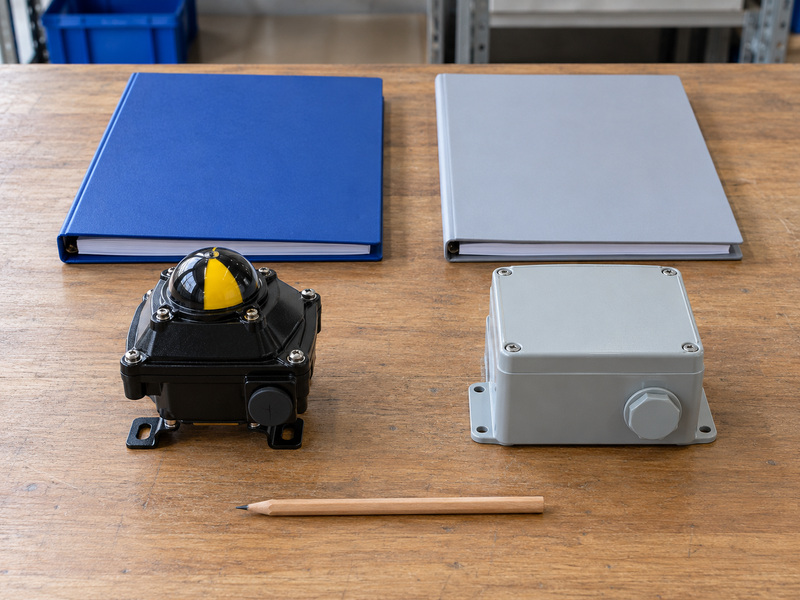
The PCVS publication includes a stated minimum contact condition, while the PAD100-MIM manual separately identifies its input-circuit parameters. These publications illustrate fields that need comparison; they do not establish that those two products form an accepted pair. Any mismatch or uncertainty requires a written compatibility response for the actual proposed combination.
Review both upper limits and any stated minimum conditions
OMRON’s basic-switch precautions discuss microload suitability separately from maximum switching capacity. Where the offered switch states minimum-load or low-level conditions, retain their complete basis and ask how the selected input meets them. Leave the issue open if the information needed for that assessment is absent.
- Record the actual input characteristics from its applicable manual.
- Preserve switch maximum ratings and any minimum or low-level conditions.
- Obtain a response tied to the exact switch, input, and panel combination.
| Comparison field | Evidence needed |
|---|---|
| Contact limits | Applicable rating conditions for the selected output |
| Low-level suitability | Any manufacturer minimum or supported sensing conditions |
| Input behavior | Exact input requirements and supported contact arrangement |
| Compatibility decision | Identified reviewer and accepted written basis |
A maximum-rating comparison alone should remain an incomplete review when low-level suitability is unresolved.
6. Do multiple contacts perform the same task?
Multiple contacts in a butterfly valve supervisory switch package can have different assigned roles, so review each output separately. Contact quantity or a shared enclosure cannot establish equal permission for every use. Identify which output fulfils valve supervision and which, if any, has a separately permitted auxiliary or cover-monitoring purpose.
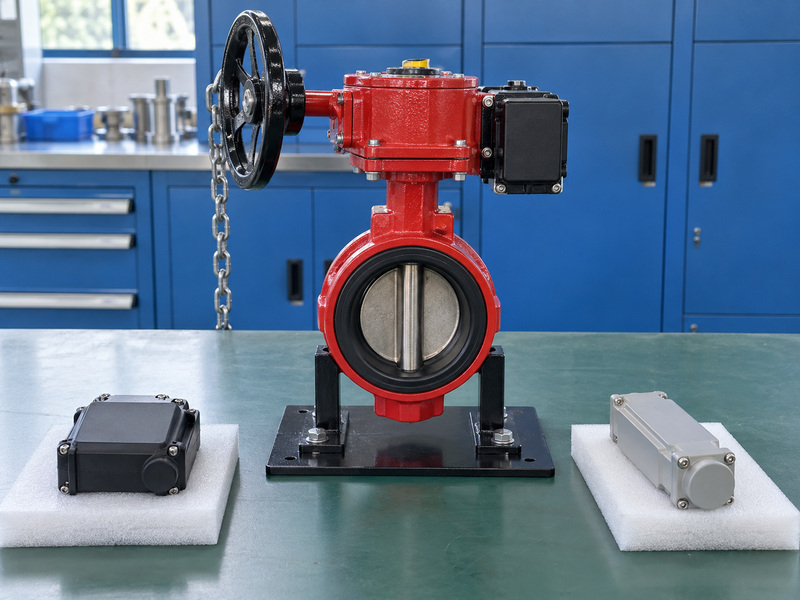
The Series 765/705 manufacturer instructions distinguish the supervisory output from an auxiliary output and state which is permitted for the fire-alarm interface. That arrangement belongs to those documented assemblies. It should not become a generic assignment for another manufacturer’s contacts.
Give each output its own review row
Ask for the exact contact-purpose description, relevant rating, and intended system destination for every required output. Keep valve-position supervision separate from an optional enclosure-tamper function or a local auxiliary device. A contact action also needs the selected input and panel interpretation before its displayed event can be defined.
- Identify each required output by its documented function.
- Request the conditions attached to any auxiliary use.
- Have the project reviewer accept the output-to-input role mapping.
| Output role | Clarification to request |
|---|---|
| Valve supervision | Designated output and compatible monitoring requirements |
| Auxiliary function | Permitted purpose and applicable contact duty |
| Cover monitoring | Whether supplied and how its role is documented |
| Unassigned contact | Whether it belongs in the project scope |
Keep the roles distinct even when the outputs share a common mechanical housing.
7. Which module and panel documents prove compatibility?
Review the butterfly valve supervisory switch with the exact input-module and panel documents that apply to the project. A module’s presence in a supplier catalogue cannot establish compatibility with every panel from that brand. The reviewer needs the identified protocol, permitted panel combination, input requirements, and applicable document revisions.

The PAD100-MIM manual restricts its use to systems using the stated addressable protocol and directs users to the control-panel instructions. That is a model-specific compatibility condition. A matching-looking enclosure or familiar module name cannot replace the actual module and panel evidence.
Keep a linked set of documents for the proposed interface
Request a document index identifying the switch, input equipment, panel, and the versions used for review. Ask the responsible electrical specialist to resolve different input descriptions or incompatible requirements. Site connection and acceptance activities remain subject to exact manufacturer instructions, the approved project design, and qualified authorized personnel.
- Identify the actual module and panel rather than only the supplier brand.
- Obtain the applicable compatibility and input documentation.
- Keep the accepted point description and interface decision with the equipment tag.
| Document | Review purpose |
|---|---|
| Switch instructions | Contact function and electrical conditions |
| Module documentation | Input requirements and supported system interface |
| Panel instructions | Permitted module use and event configuration basis |
| Accepted interface record | The combination and revisions reviewed |
Do not mark compatibility accepted while the reviewed documents describe different equipment versions.
8. What do enclosures and entries add to the review?
The butterfly valve supervisory switch enclosure and its entries add environmental and mechanical conditions to electrical acceptance. Review the actual exposure, permitted fittings, access, and supplied accessories. A suitable contact rating cannot resolve a mismatch between the enclosure arrangement and the intended environment.
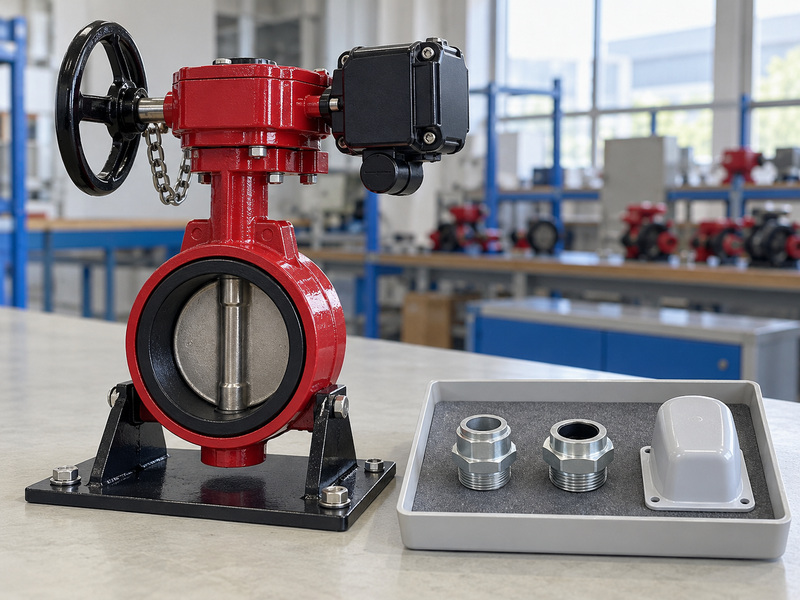
This review applies to an assembly ordered with a wafer butterfly valve or a flanged butterfly valve; the body connection does not define the electrical enclosure’s protection. Keep fluid-service conditions separate from the ambient conditions around the switch and input equipment. Request configuration-specific evidence for both.
Review the conditions that keep the enclosure suitable
The PCVS data sheet attaches its stated enclosure conditions to suitable conduit and connectors and distinguishes additional corrosion protection for mounting hardware. Those conditions belong to that product. For the proposed assembly, obtain its own enclosure, entry, fitting, and environmental restrictions rather than selecting accessories from appearance alone.
- State ambient exposure and any special environmental requirements.
- Request the specified enclosure and entry-accessory conditions.
- Identify who reviews the complete environmental arrangement.
| Environmental item | Information to obtain |
|---|---|
| Enclosure | Exact product protection and stated restrictions |
| Entries and fittings | Permitted arrangement and suitability conditions |
| Mounting hardware | Relevant exposure and corrosion requirements |
| Special environment | Specific product evidence and responsible review |
Keep an environmental exception visible even when the contact-rating comparison has passed.
9. How should revisions and replacements be checked?
Recheck the butterfly valve supervisory switch interface whenever a proposed revision or replacement changes a relevant device, contact, module, or document. A replacement with a higher maximum rating can still differ in low-level suitability, output role, enclosure, or permitted mechanical arrangement. Evaluate the actual differences before accepting it for the existing asset.
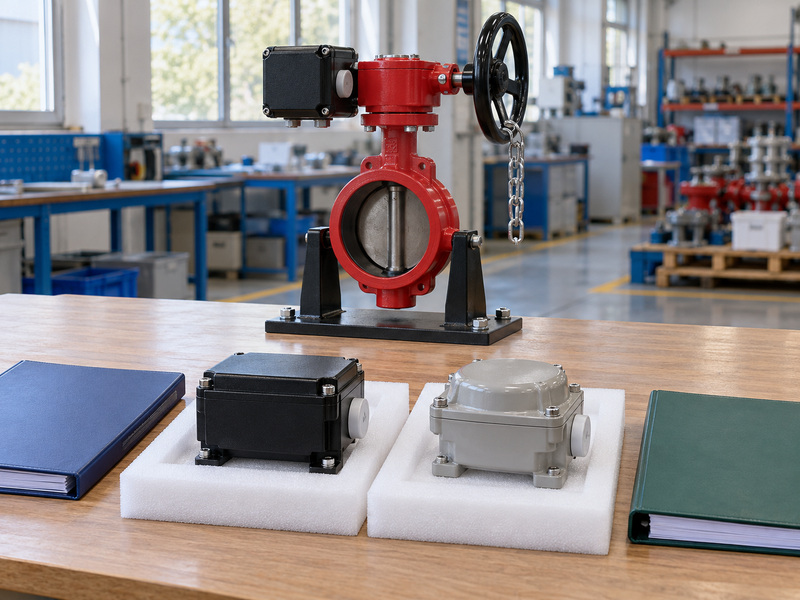
Ask the supplier to identify both the existing and proposed component configurations, including their applicable instructions. Have the project reviewer assess effects on contact duty, input compatibility, event definition, product approval scope, and environmental suitability. Keep a written response for differences that cannot be resolved from the documents.
Preserve the accepted interface after a change
Record the accepted decision, affected asset, revised document set, and any required verification by the authorized project team. Include the final physical position and monitoring observations in the applicable restoration record. A cleared display does not by itself establish that the required protection and documentation have been restored.
- Compare function and operating conditions alongside the component identity.
- Review approval and mechanical effects as well as electrical fields.
- Update the accepted interface record and affected spare-part information.
| Proposed difference | Review that remains necessary |
|---|---|
| Contact rating | Applicable duty and low-level suitability |
| Output arrangement | Assigned role and monitoring interpretation |
| Module or panel version | Actual compatibility documentation |
| Housing or mounting | Environment and permitted assembly relationship |
Accept a replacement against the complete reviewed interface rather than a single improved catalogue value.
10. What should you ask before accepting the interface?
Before accepting a butterfly valve supervisory switch interface, close questions about contact duty, sensing conditions, assigned outputs, module-panel compatibility, environmental limits, and document revisions. Keep the accepted answers with the tagged assembly so procurement and the project electrical team use the same basis.

Q1. Can I use the AC current rating for a DC input?
No. Use the applicable DC information and its stated duty conditions. If the manufacturer does not document the proposed conditions, obtain a specific compatibility response instead of deriving permission from an AC entry.
Q2. Does a dry contact need a supply equal to its printed maximum?
No. The contact rating describes permitted duty, while the monitoring input and any powered electronics have their own requirements. Review those fields separately in the exact equipment documentation.
Q3. Is a small input current always acceptable?
No. Check any manufacturer minimum-load or low-level conditions as well as maximum ratings. A low sensing current needs evidence of suitability for the selected contact and monitoring arrangement.
Q4. Can I treat every contact in the housing as a supervision output?
No. Follow the exact manufacturer’s role assignments and permitted uses. Auxiliary and cover-monitoring contacts may have different purposes, and the selected input and panel determine how a condition is represented.
Q5. What should I send RUITO for an interface review?
Send the valve assembly requirement, switch identity, applicable ratings, selected input and panel documents, environmental conditions, and approval expectations. RUITO can review the valve requirement and document scope; availability and evidence for the specific supervisory package require confirmation for the proposal.
For a scoped response, contact us with the interface requirements and unresolved data-sheet entries. Ask for written identification of the proposed equipment, available evidence, exceptions, and the project reviewer responsible for compatibility acceptance.